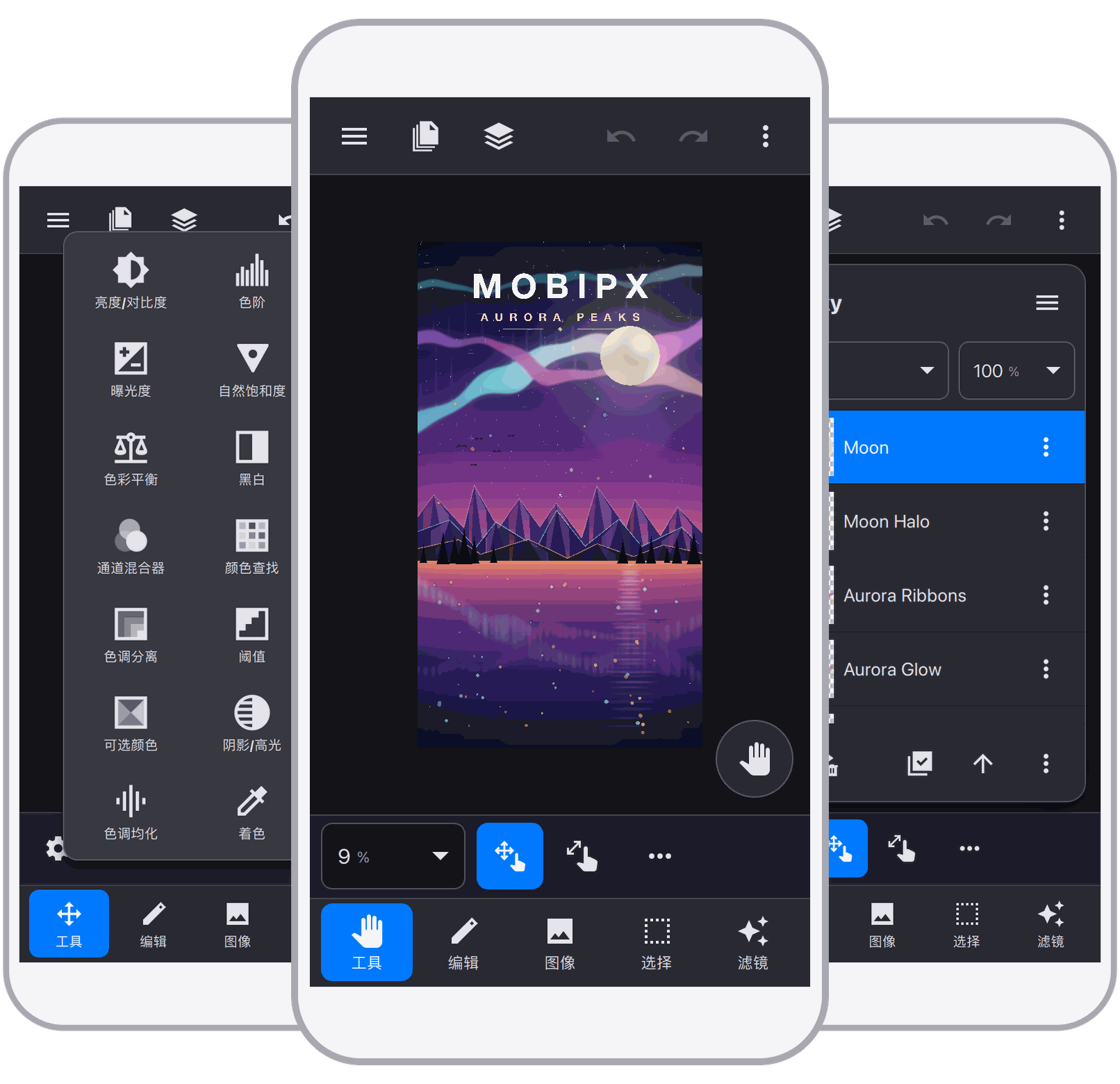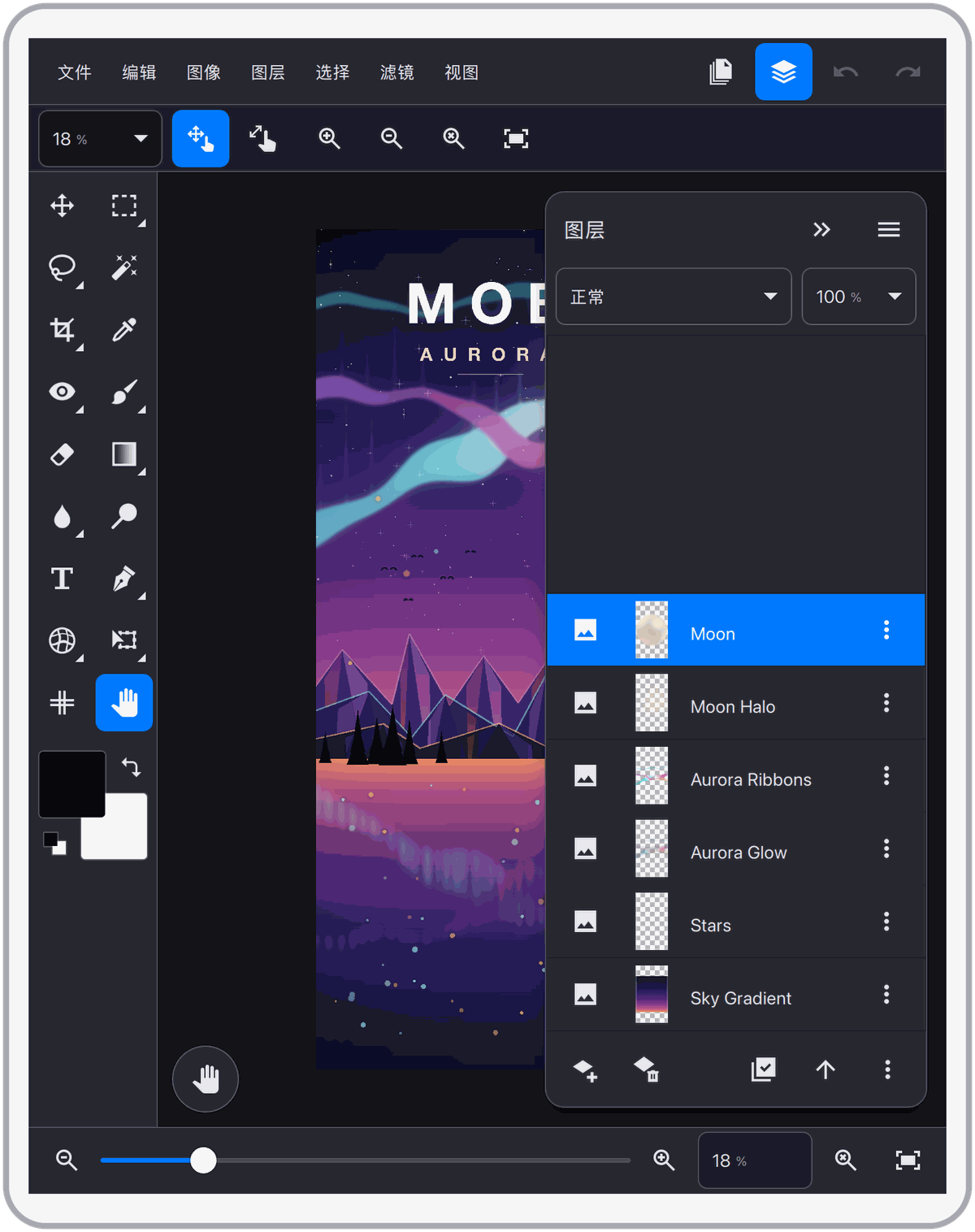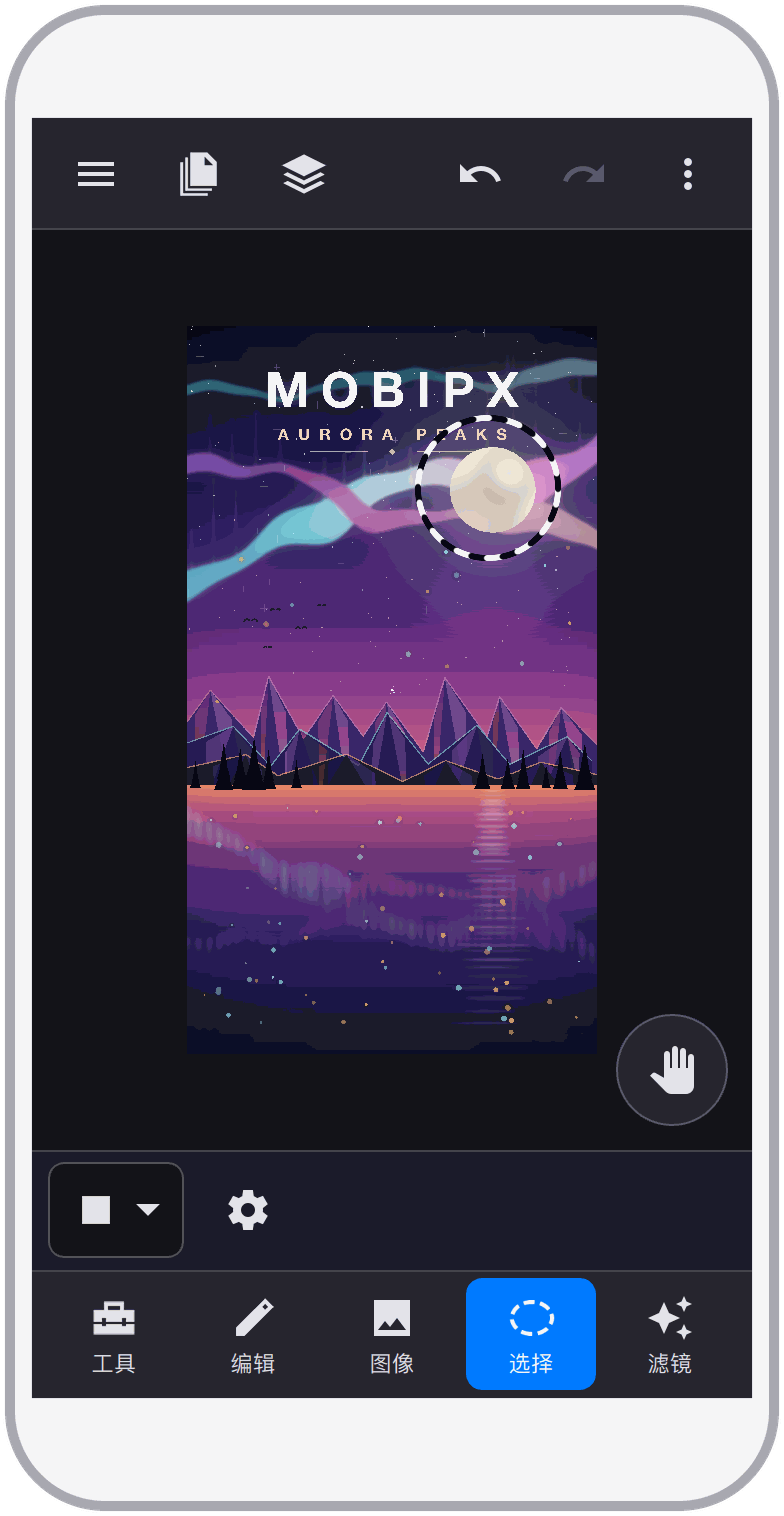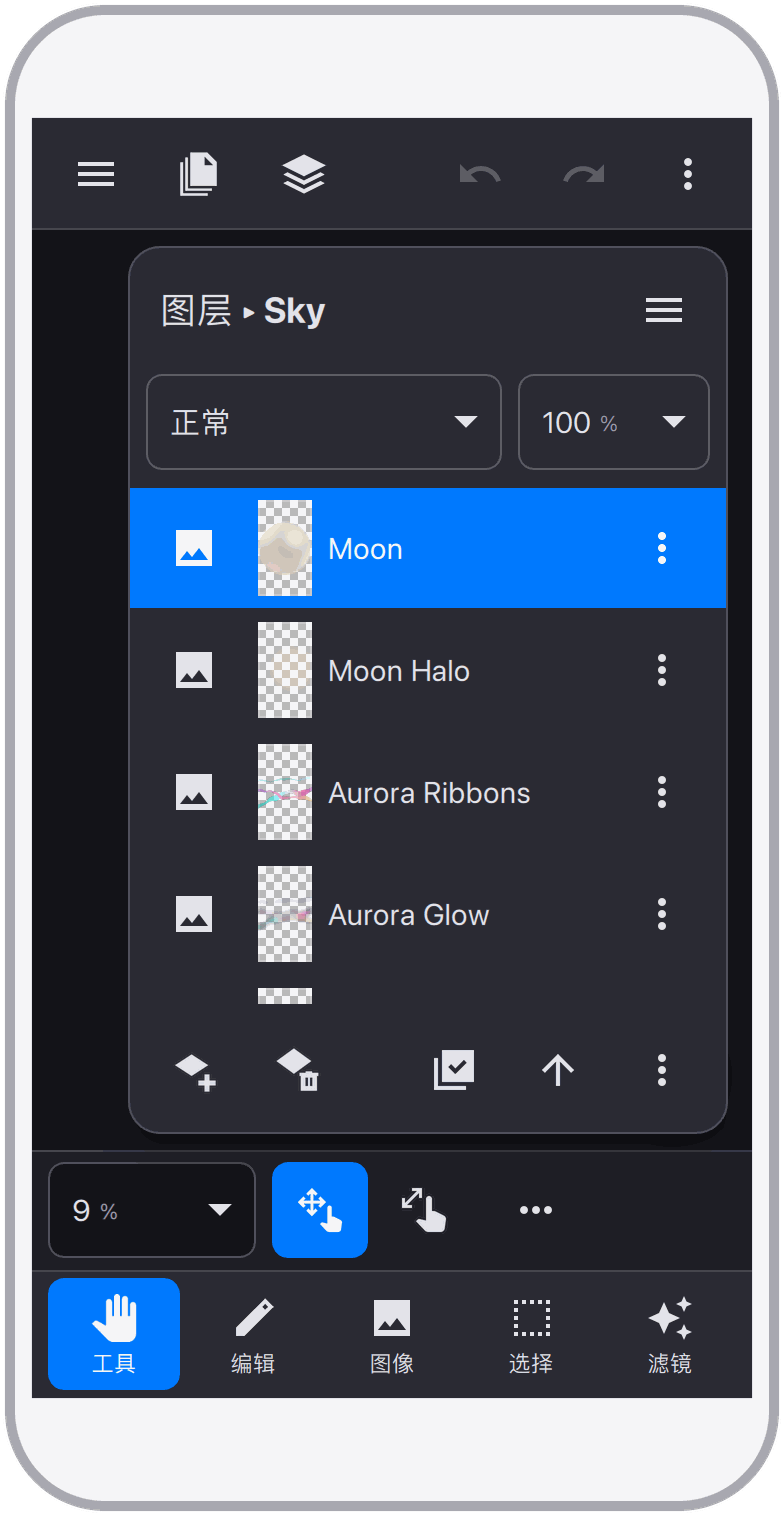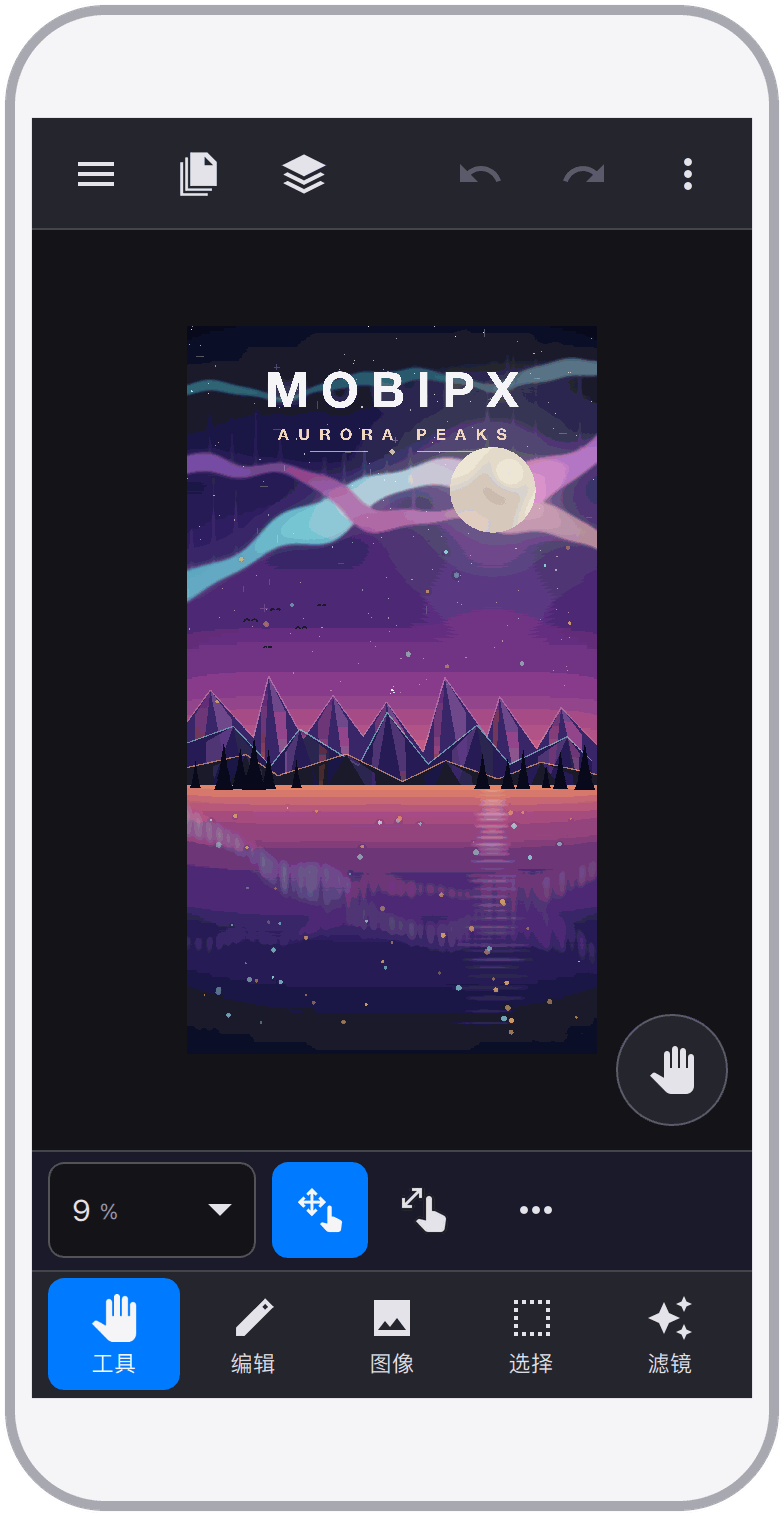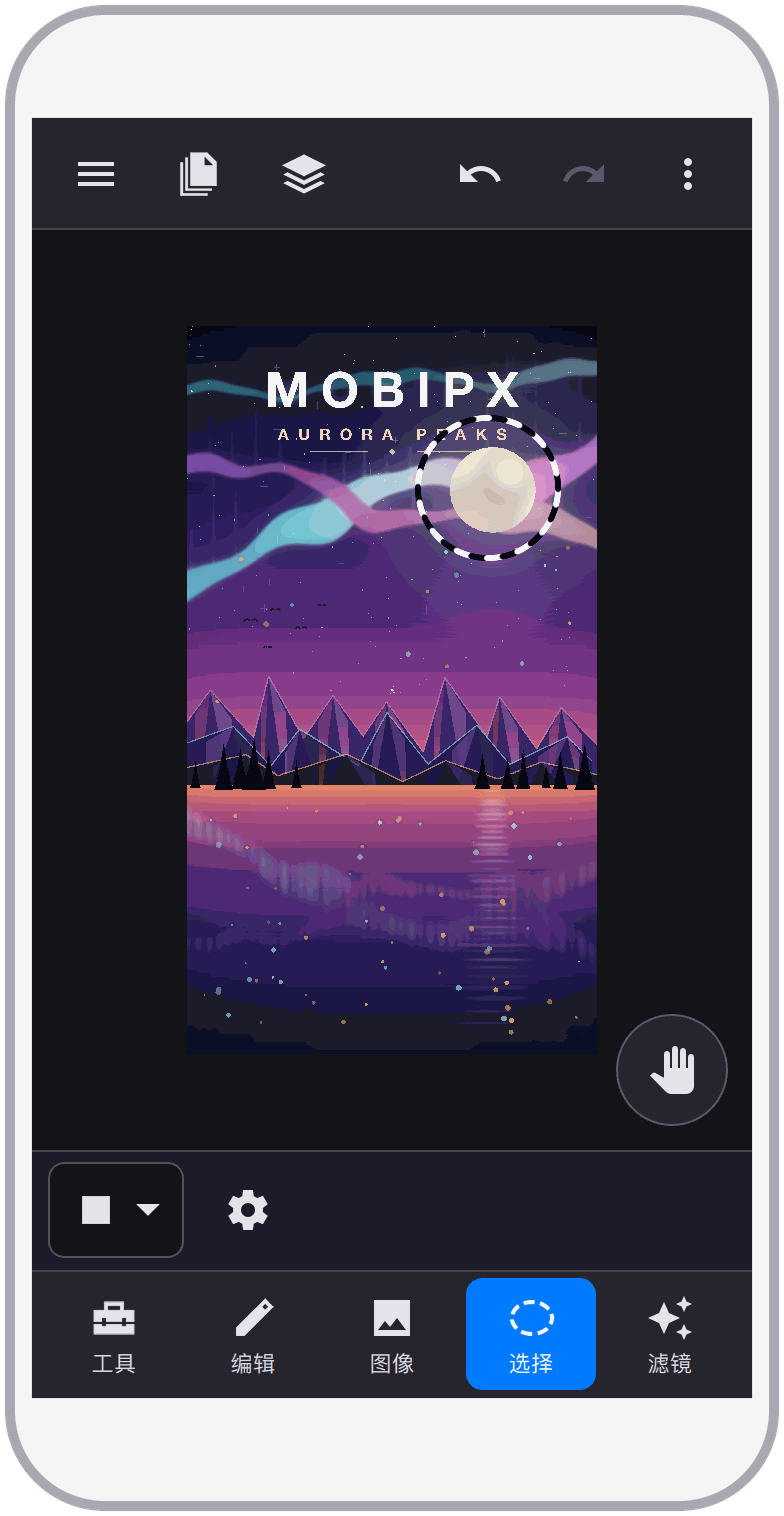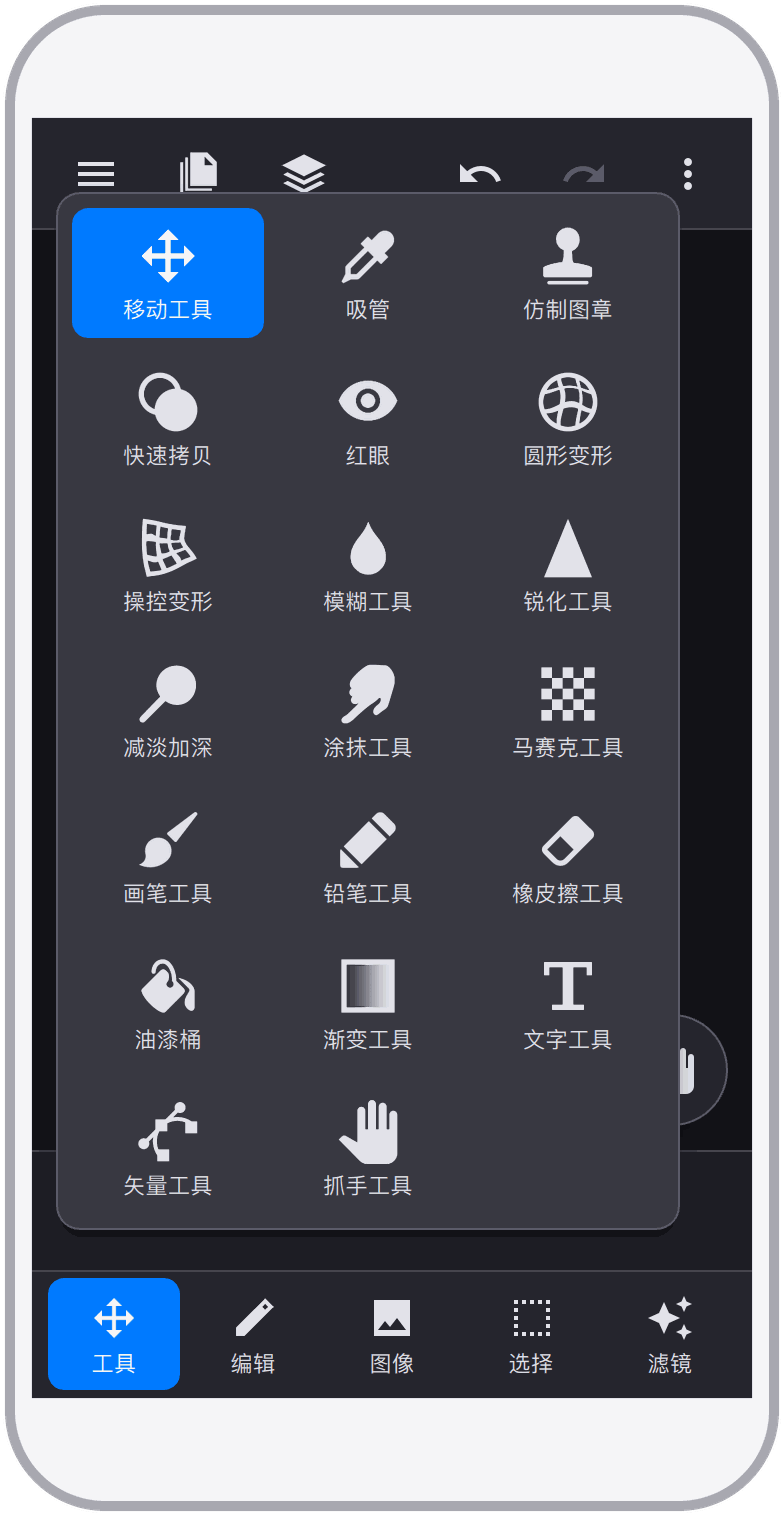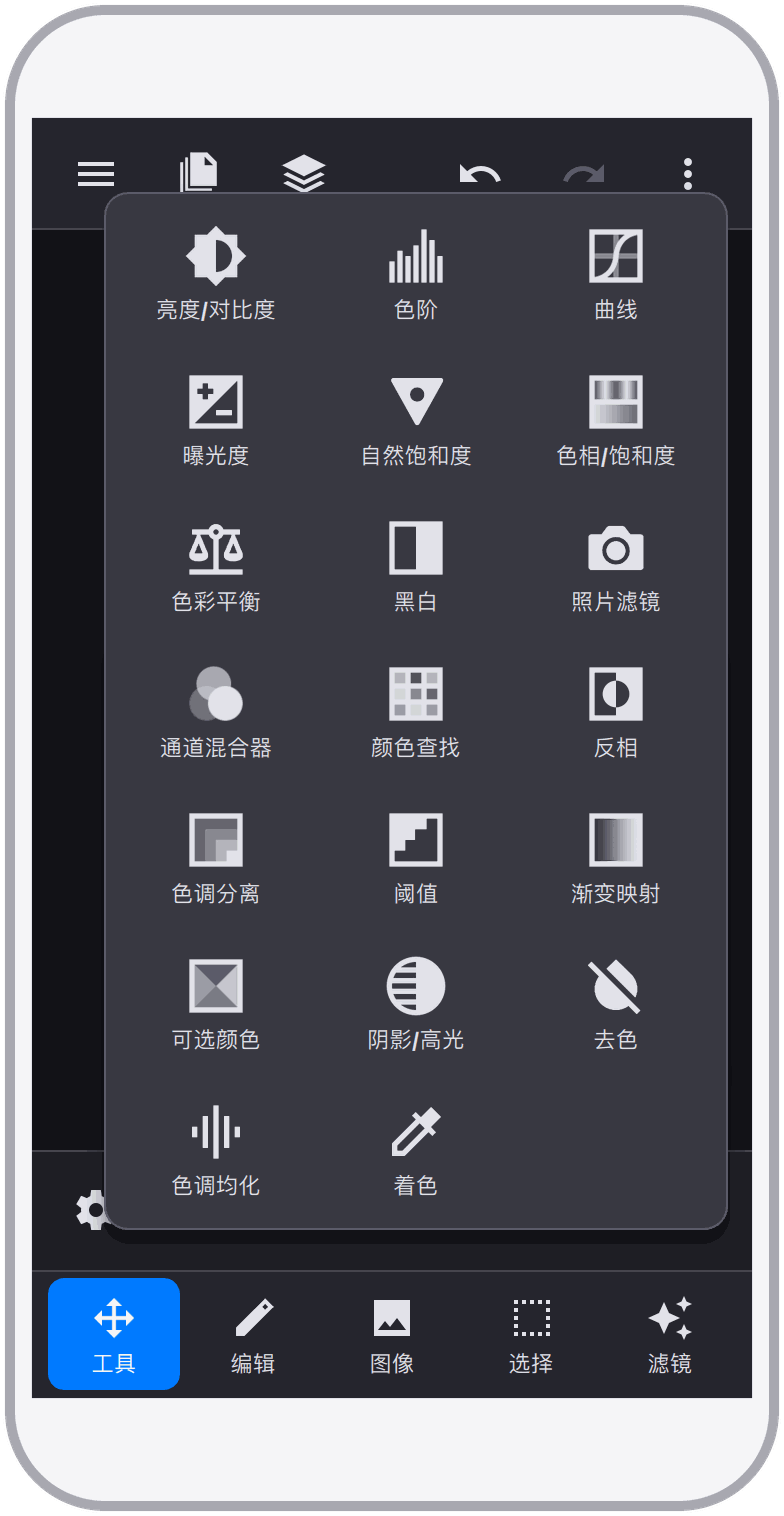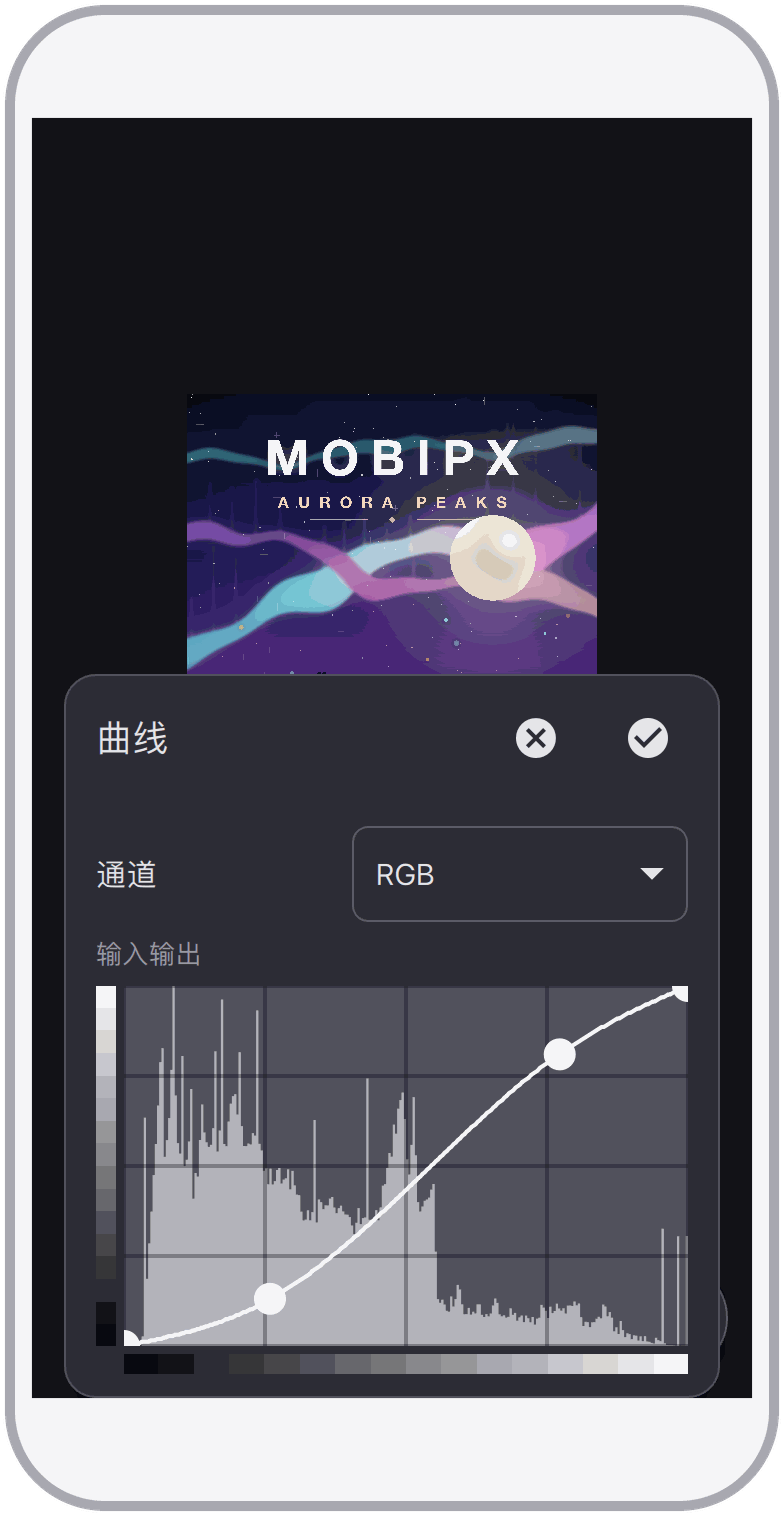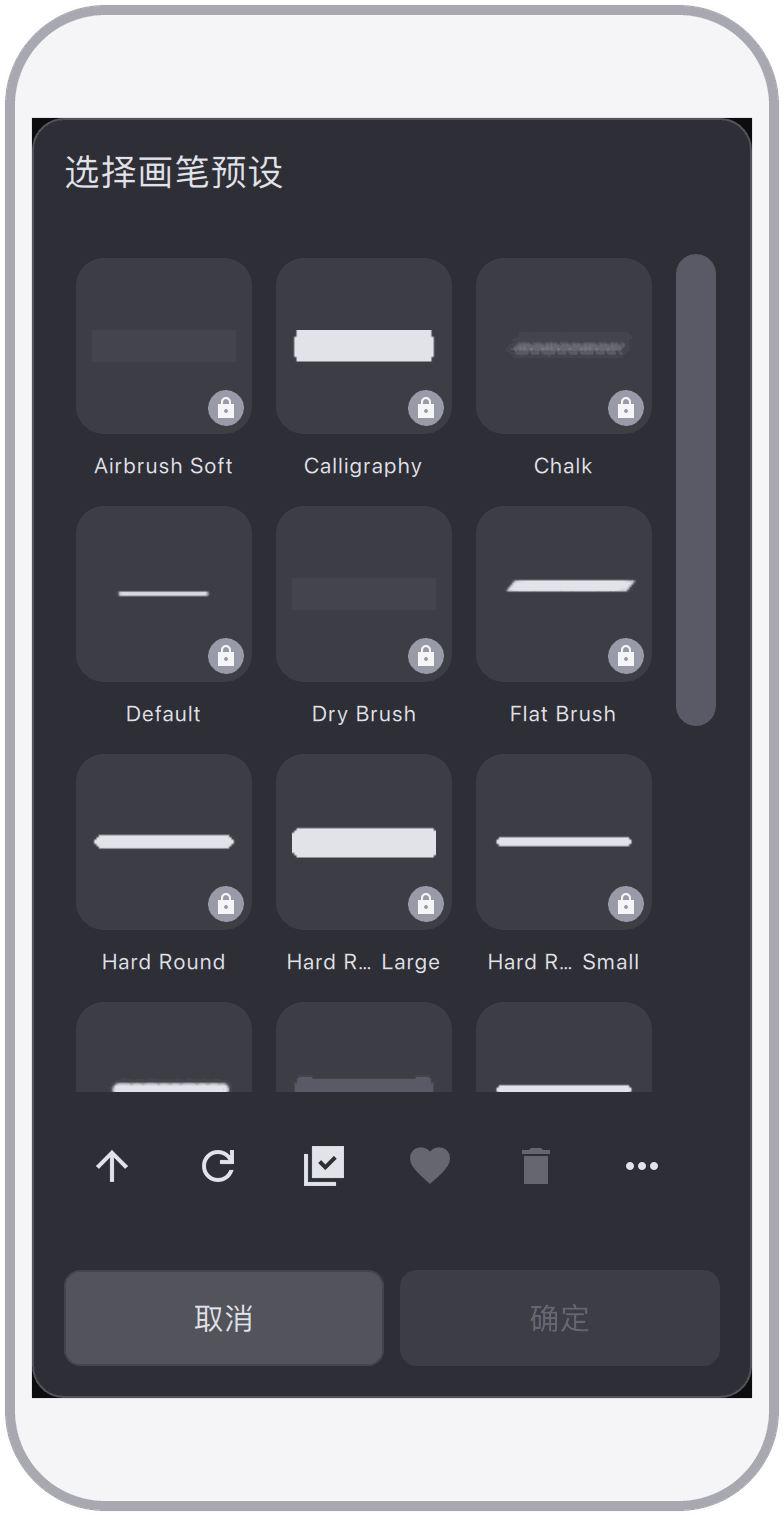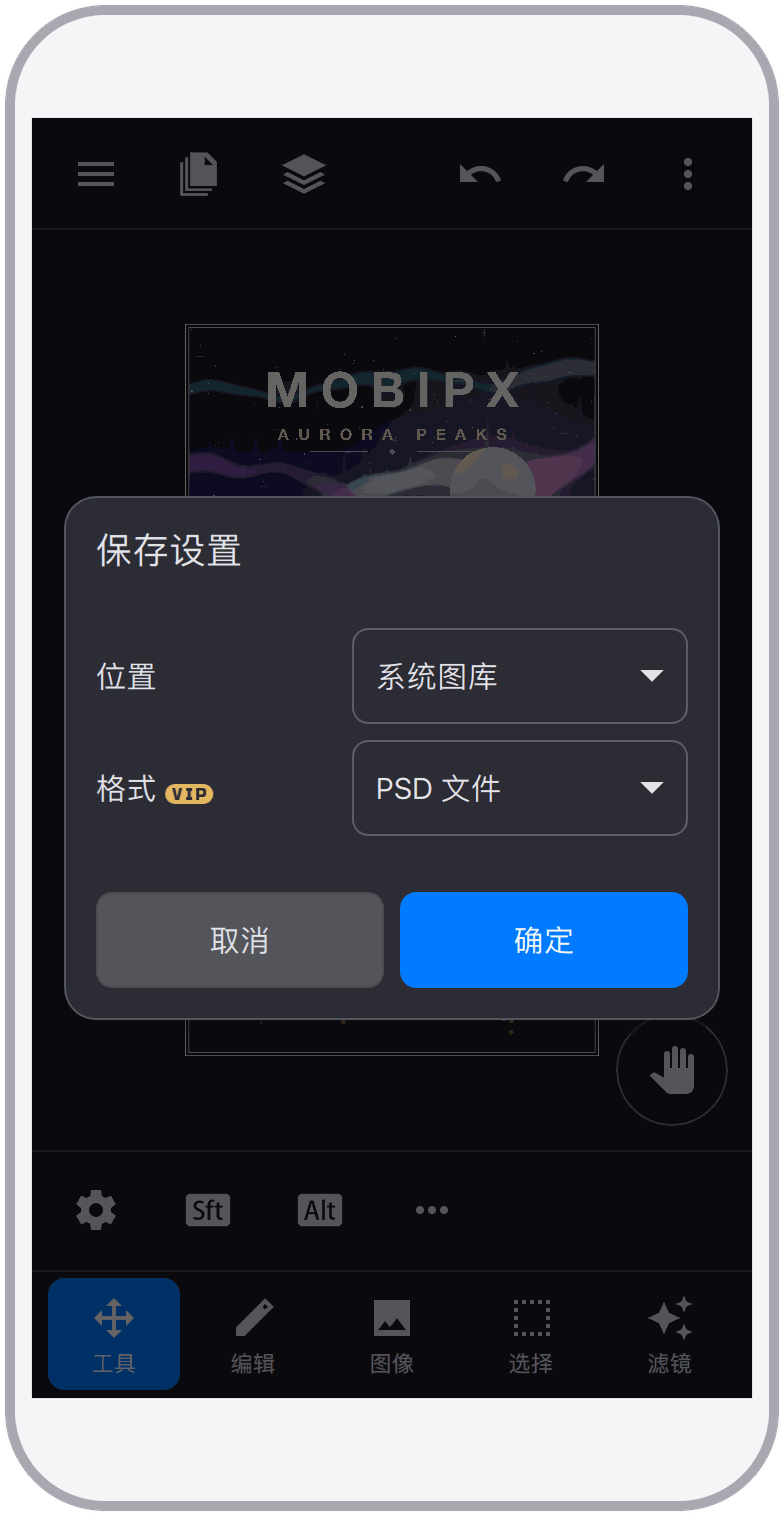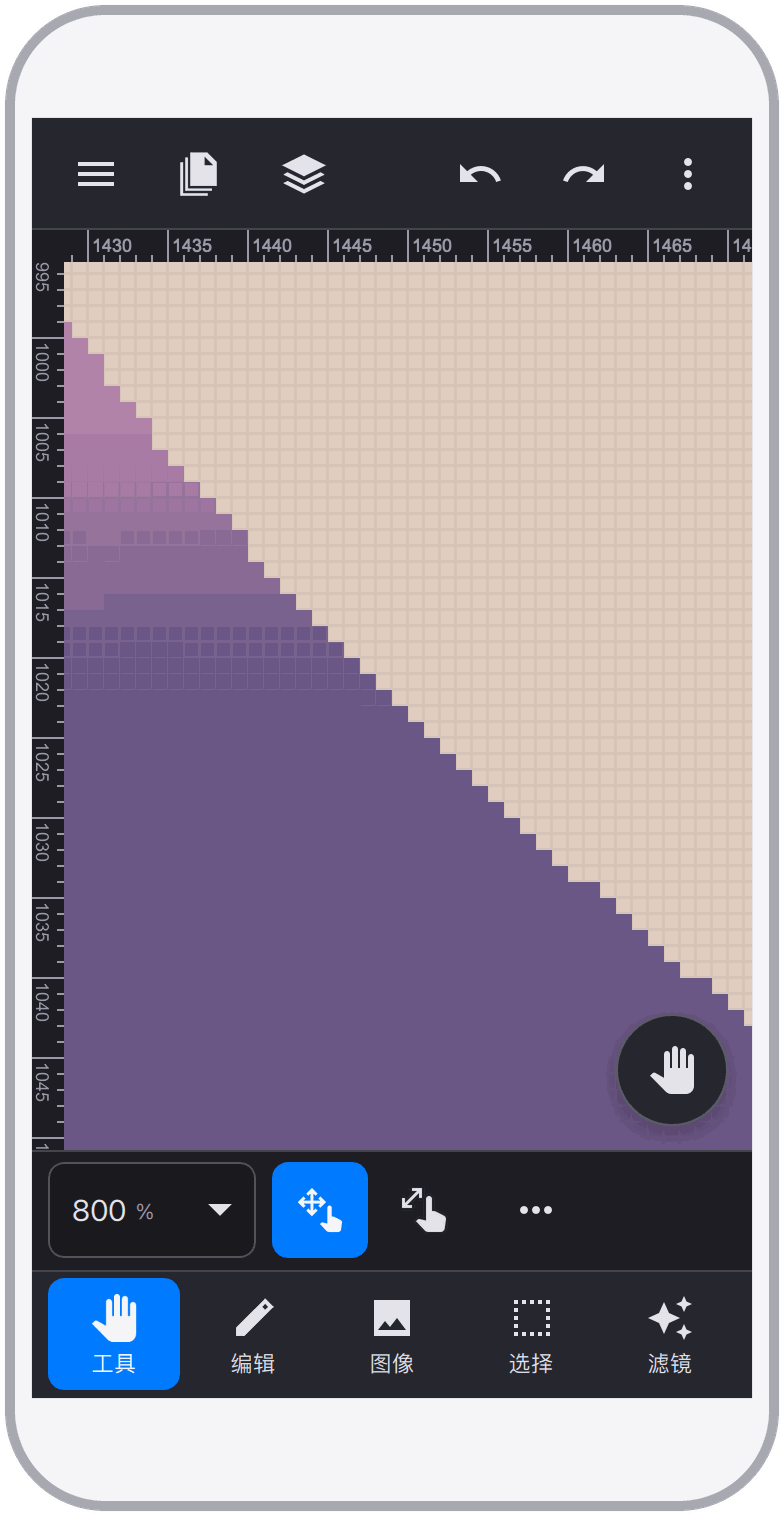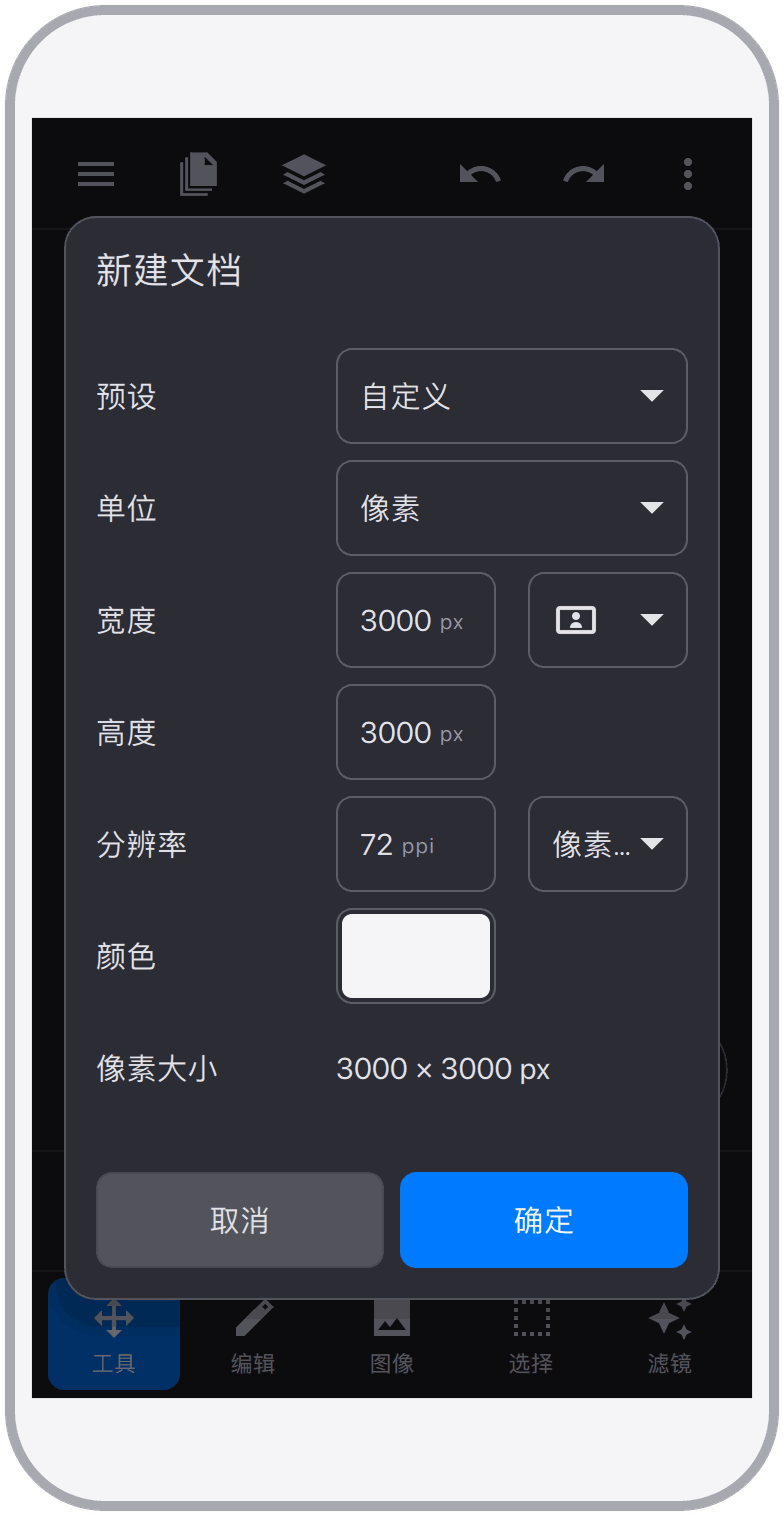
A professional layer-based photo editor for phones. Desktop-grade editing power, redesigned for touch, with high-fidelity PSD compatibility.
Version 2.0
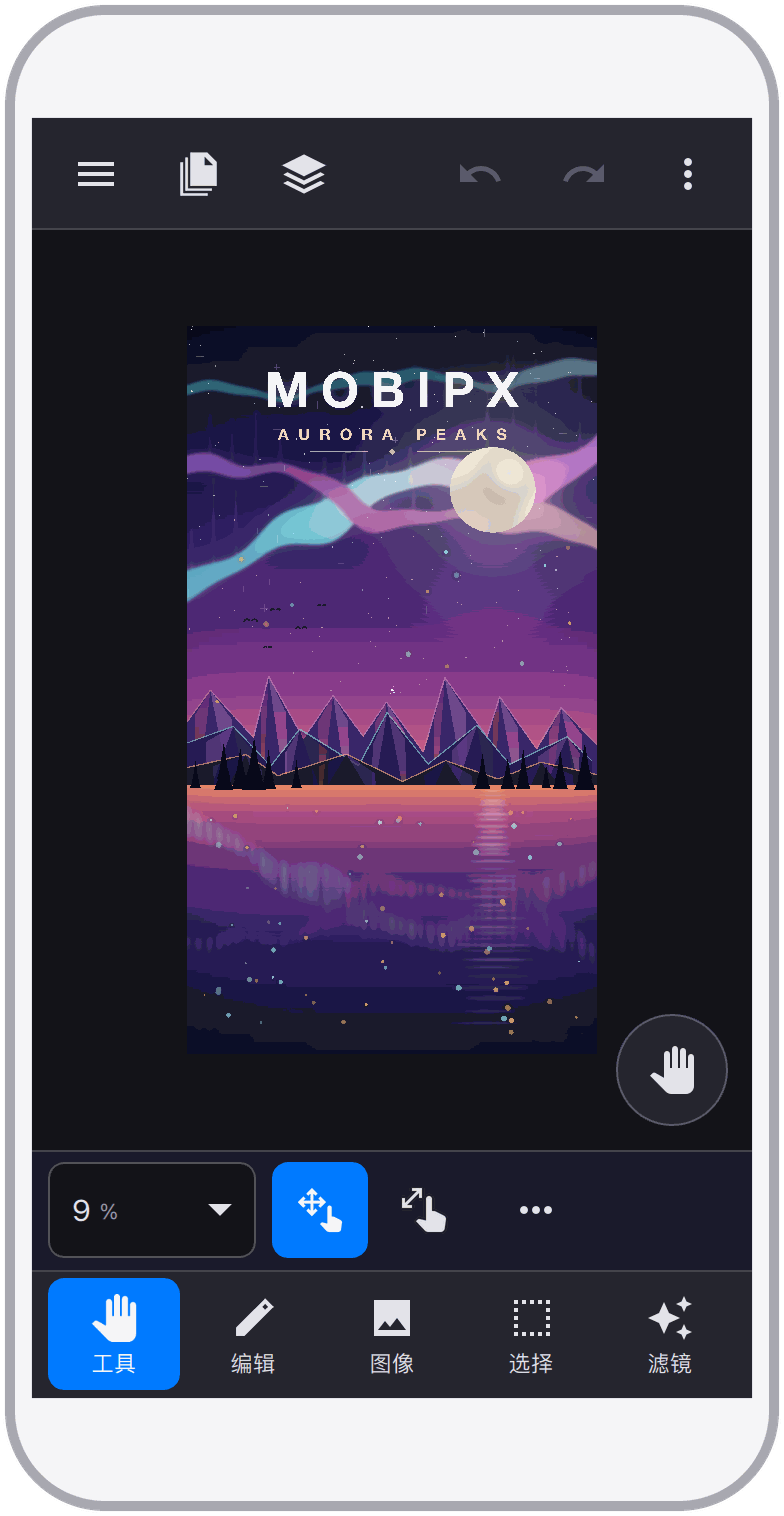
MobiPx is a professional photo editor built for experienced users. It brings the editing concepts you already know from desktop photo software to phones — layers, selections, masks, adjustment layers, vector paths, and high-fidelity PSD documents — with an interface and gestures designed for touch screens. Instead of one-tap automatic effects, it offers a rich, precise, and controllable toolset, so your existing skills work the way you expect from the very first minute.
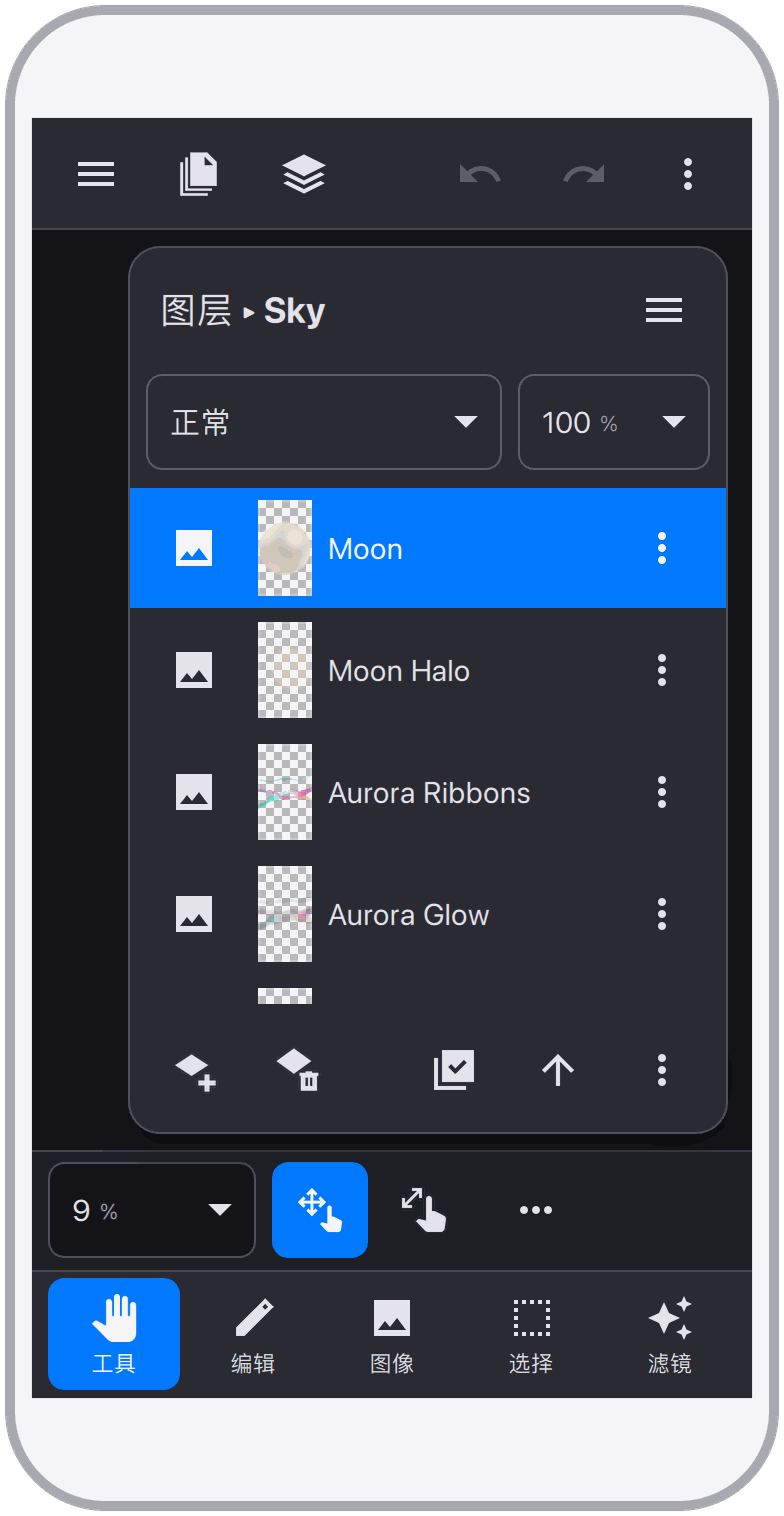
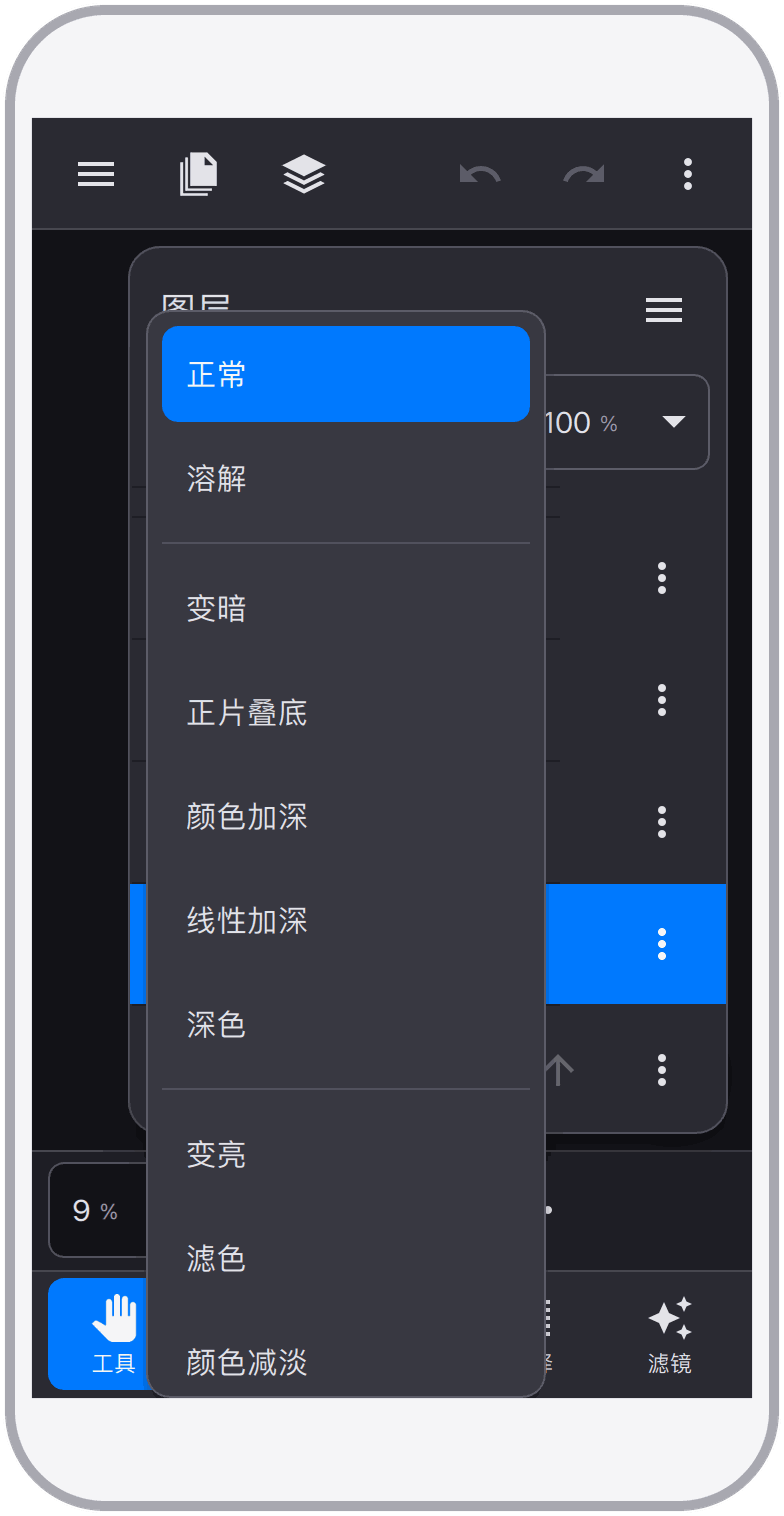
Layers are the foundation of MobiPx. Documents are built from six layer types, combined with 27 blend modes, opacity and fill controls, layer masks and vector masks, and non-destructive layer styles — the same layer model you know from professional desktop editors.
MobiPx opens and saves PSD documents with high fidelity, including layer groups, layer masks, vector masks, adjustment layers, blend modes, and layer styles. Documents round-trip cleanly between MobiPx and desktop editors, and PNG and JPG are supported alongside PSD.
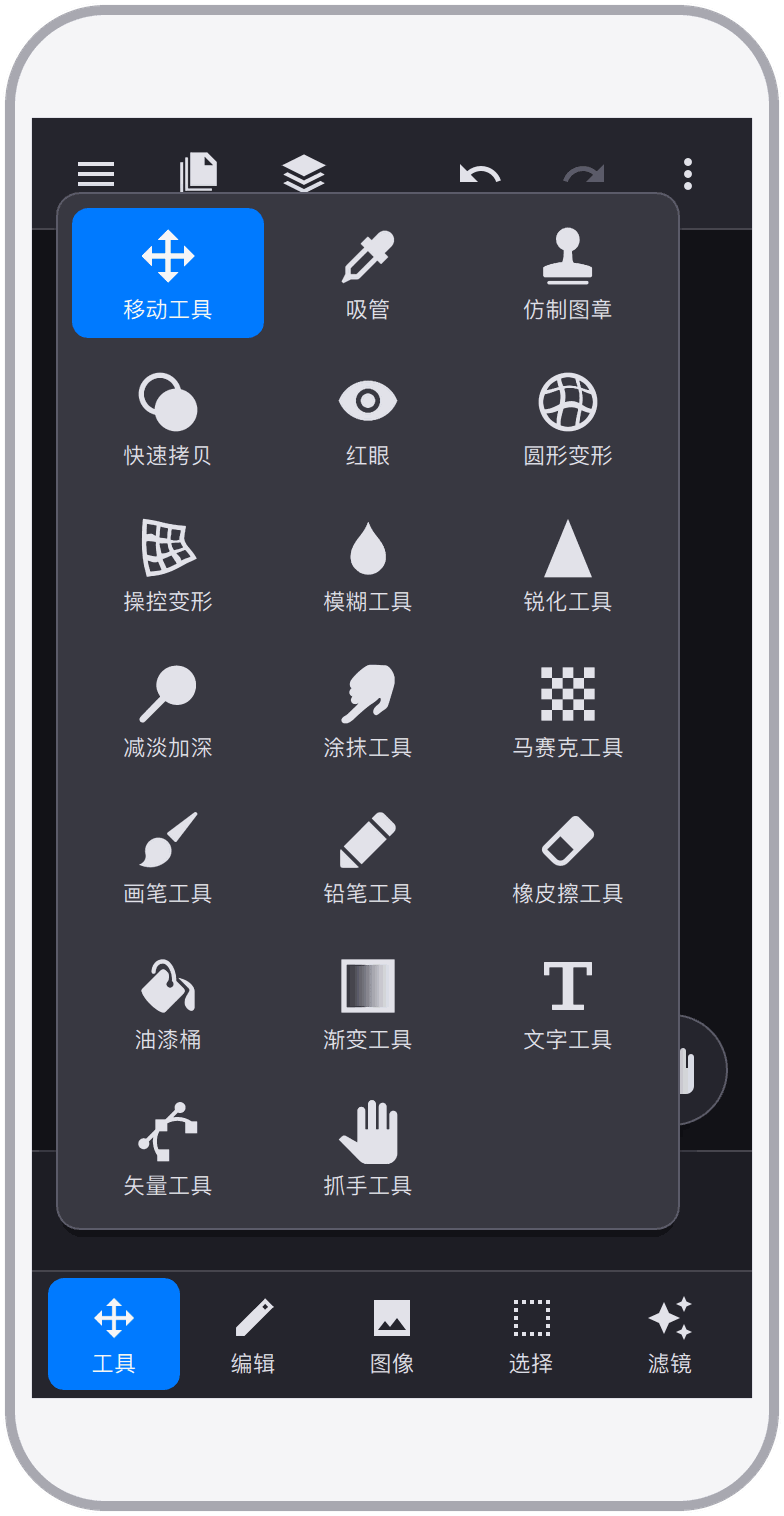
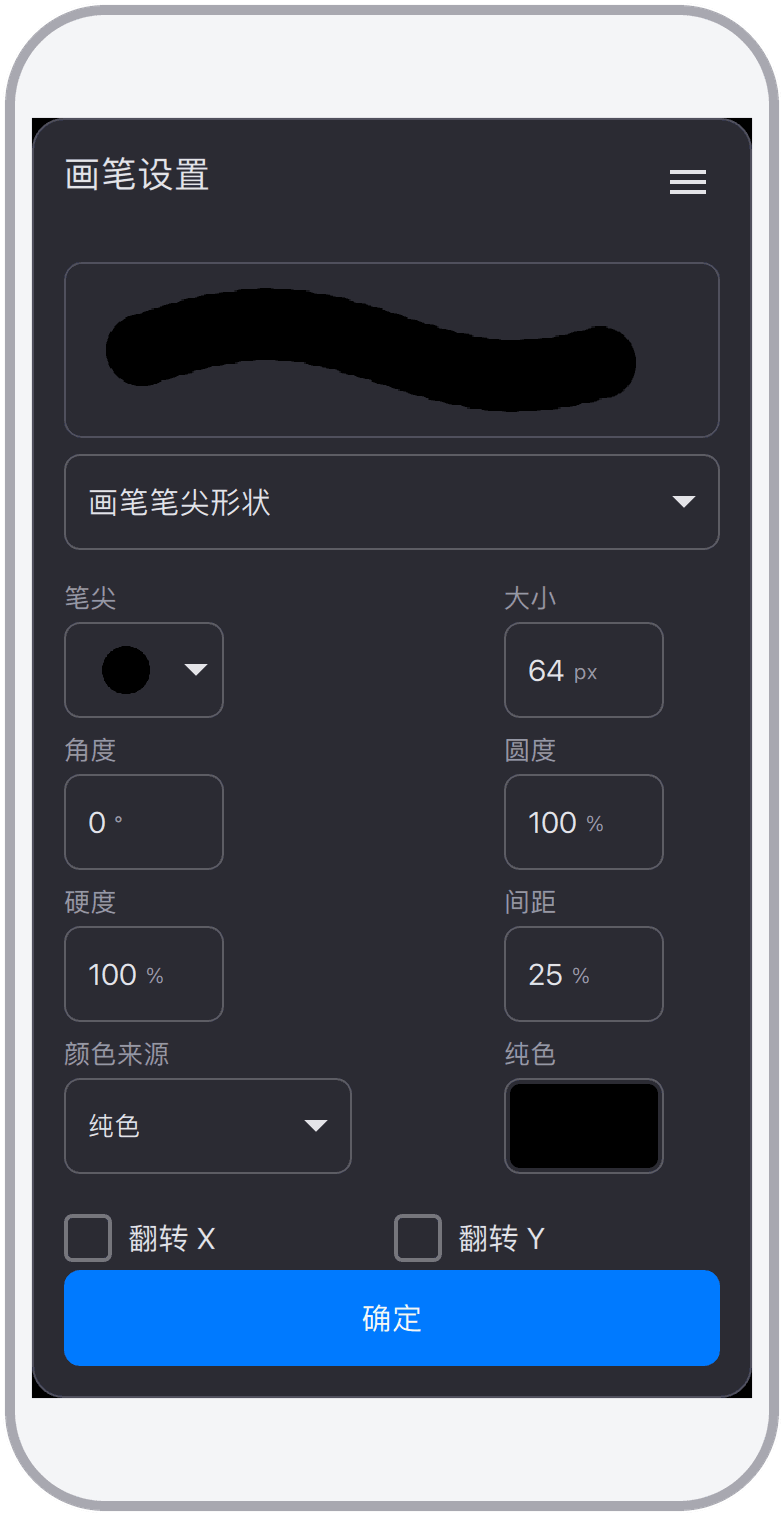
More than 30 professional tools cover selection, painting, retouching, transformation, and vector editing — nearly every everyday editing task is one tool away.
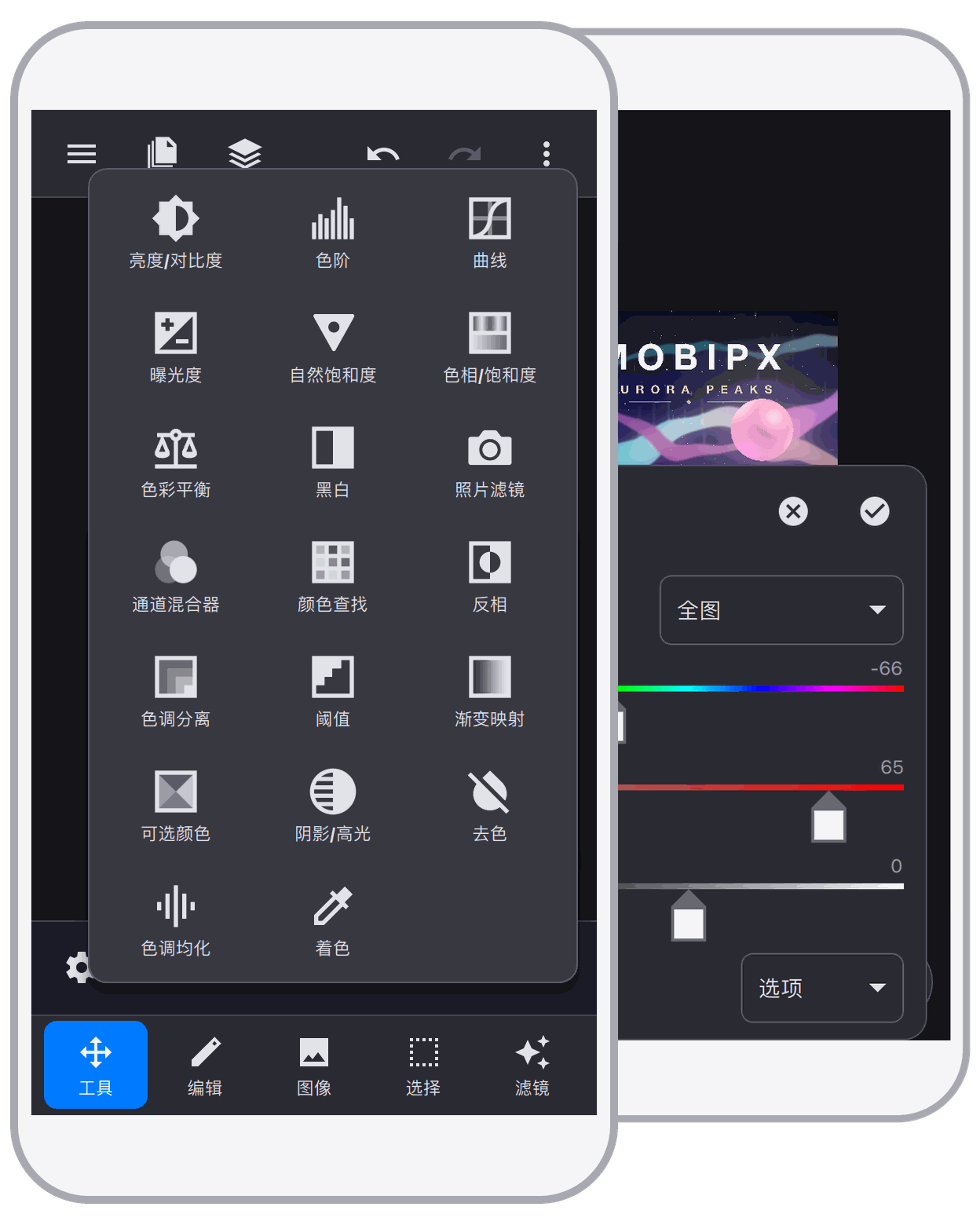
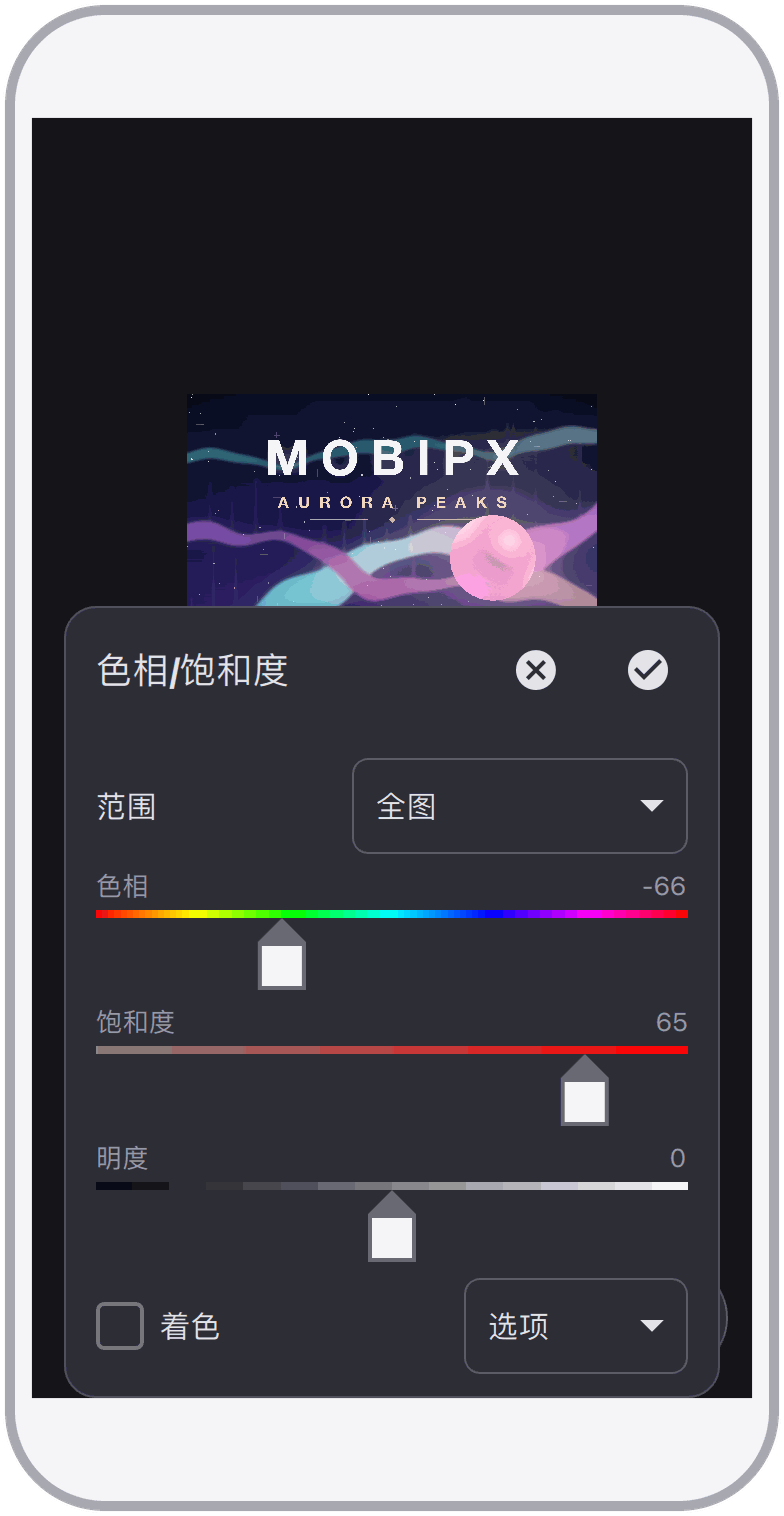
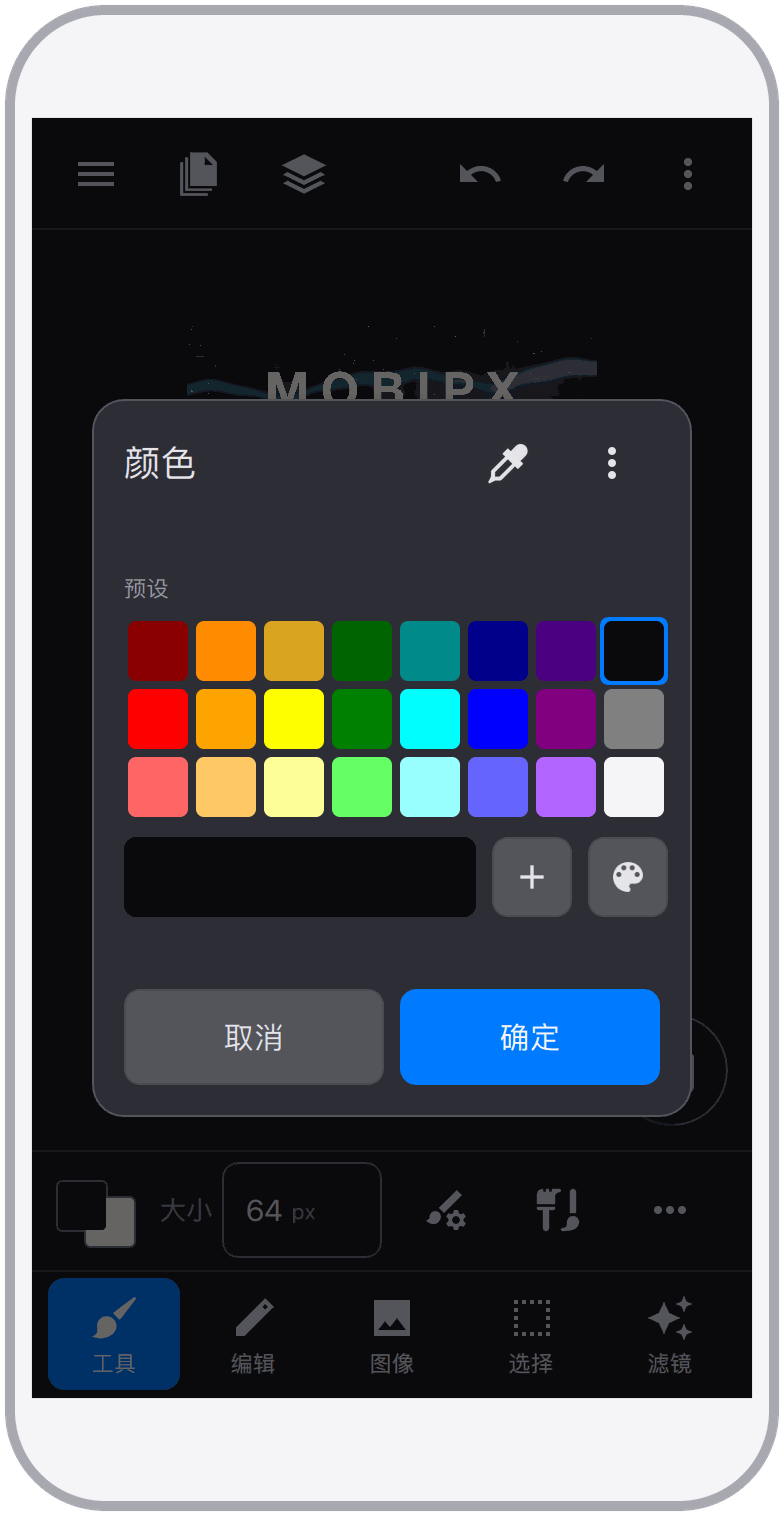
20 color adjustments handle everyday color correction and creative grading, and they can also be applied as non-destructive adjustment layers.
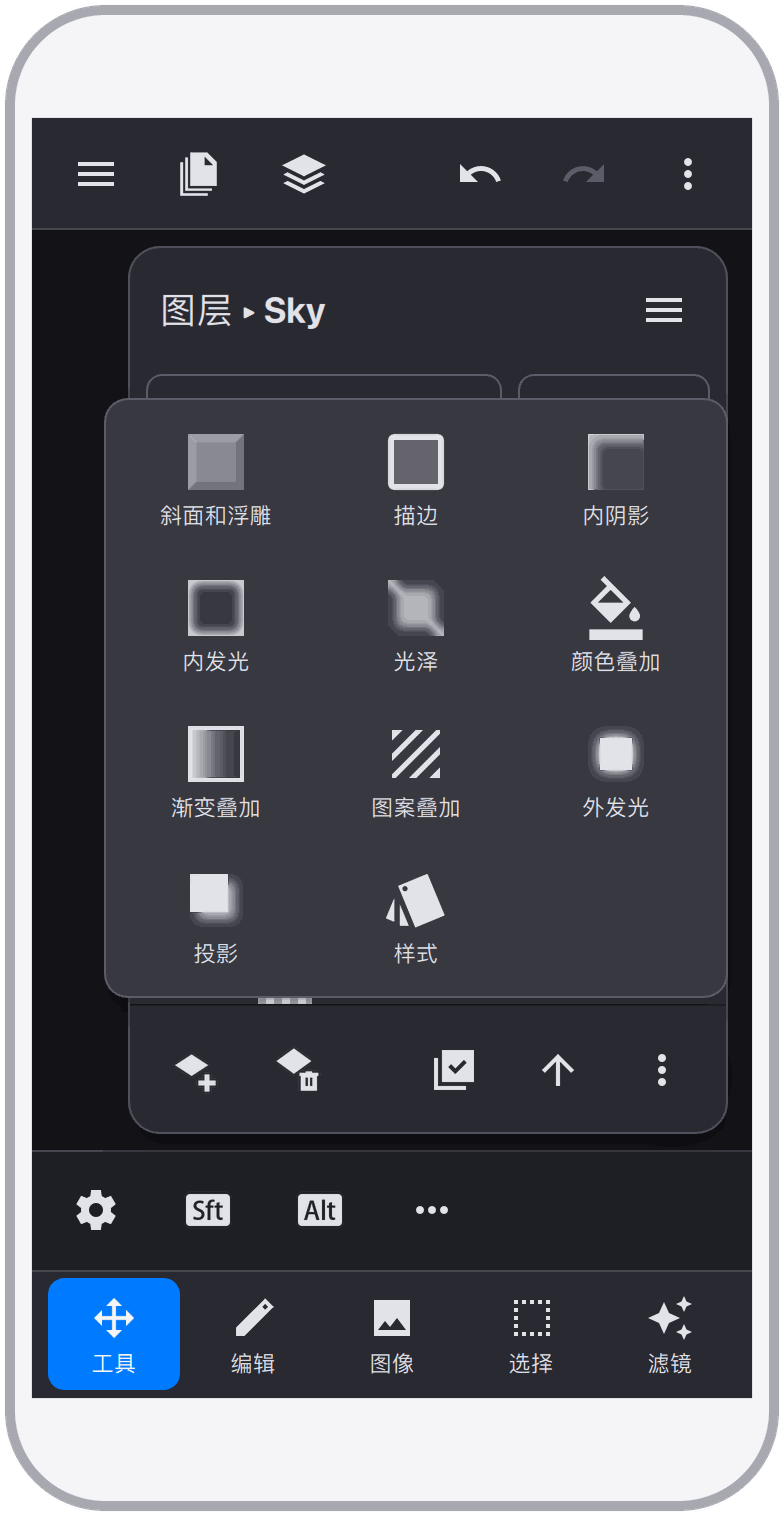
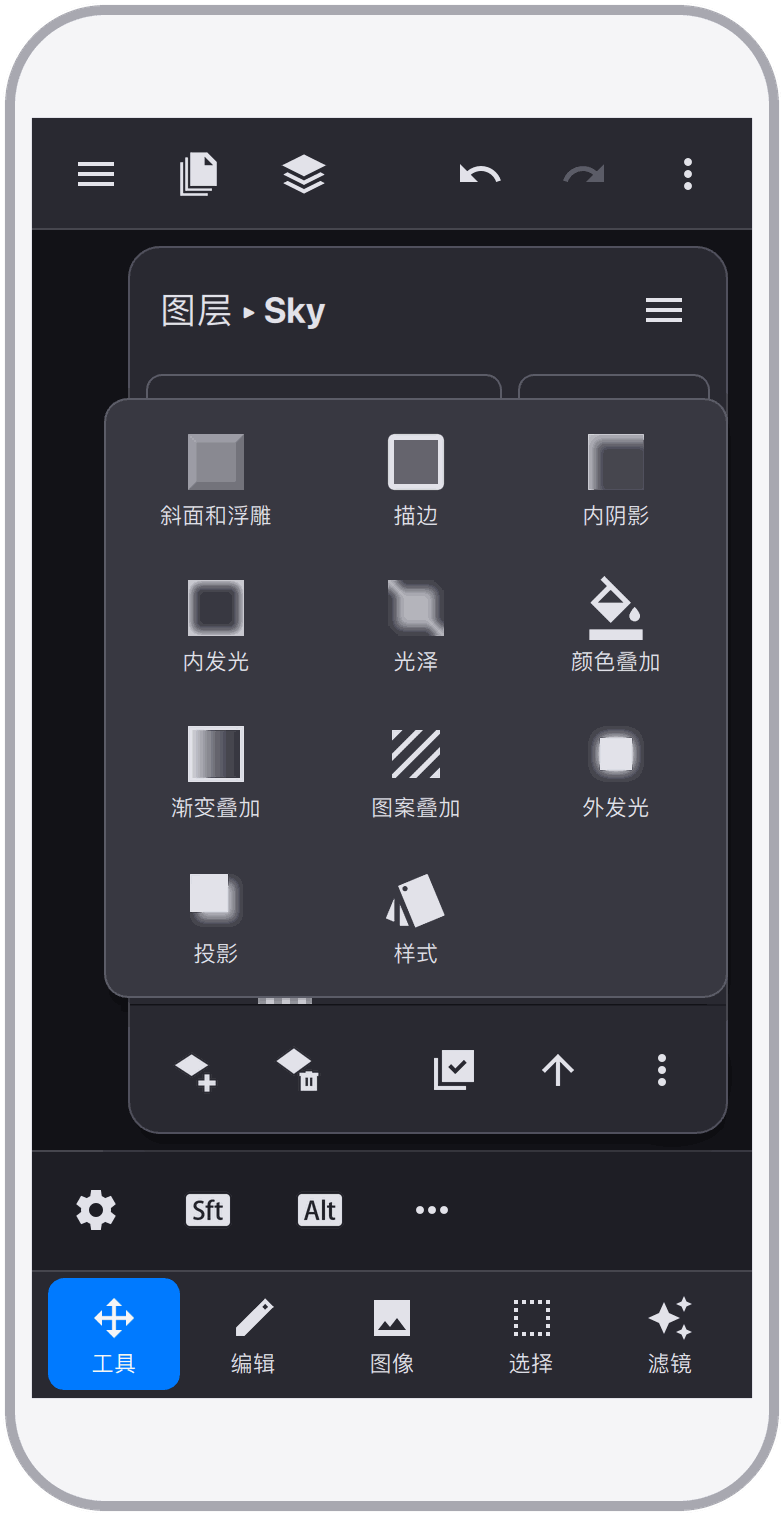
10 non-destructive layer styles add shadows, glows, bevels, and overlays to any layer — they stay editable and PSD-compatible.
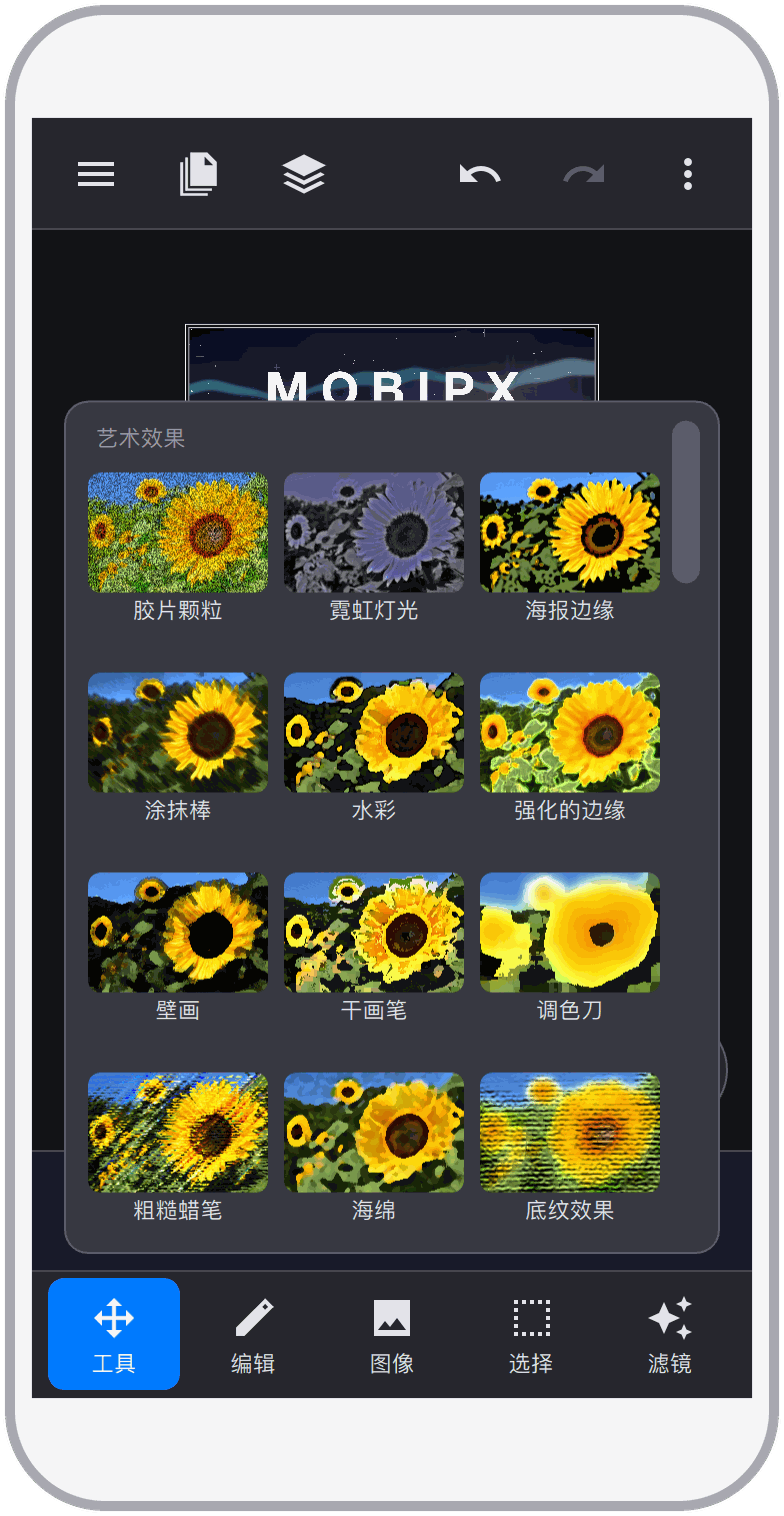
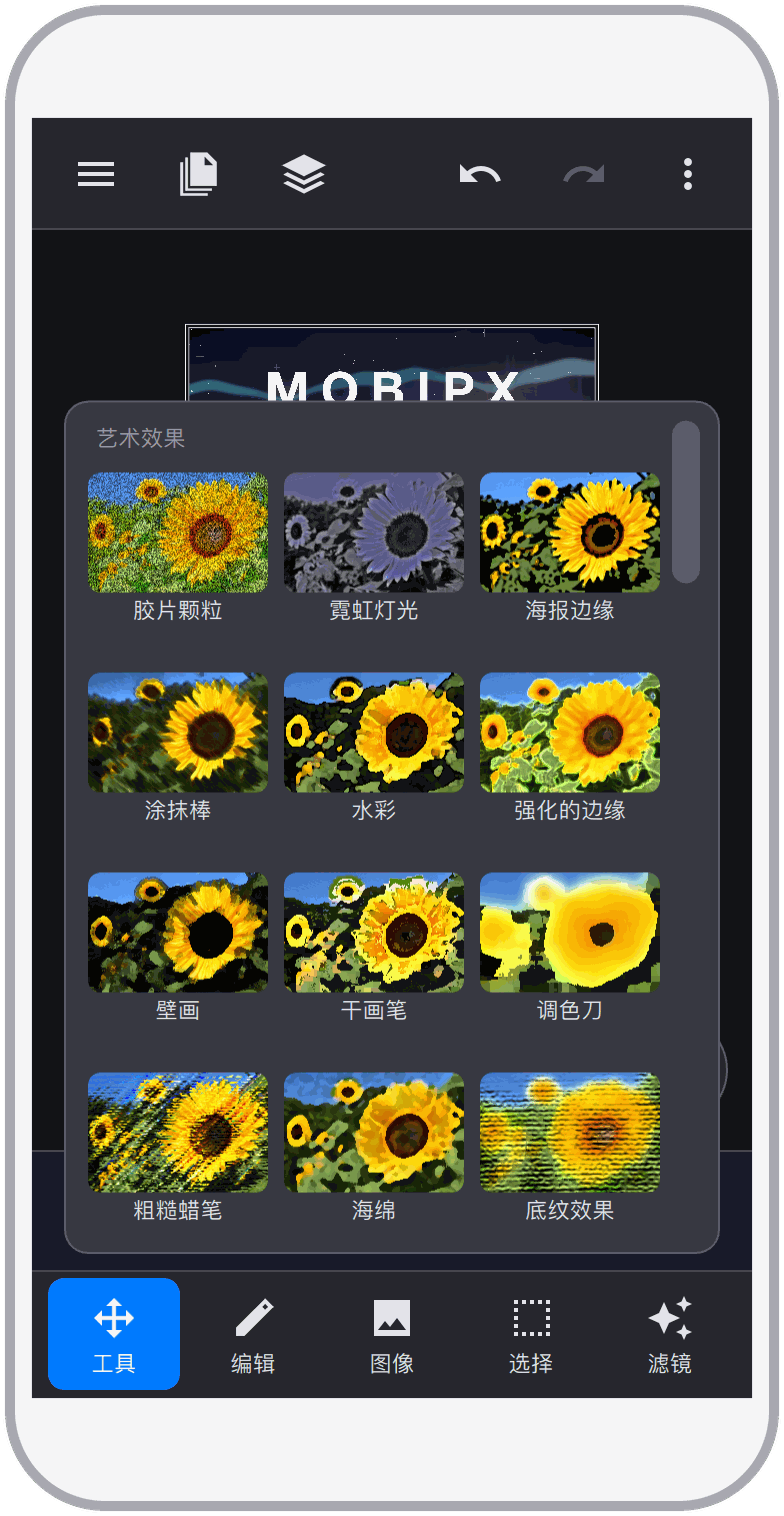
Nearly 80 filters, from essential blurs and sharpening to a full artistic filter gallery, give photos and designs a rich range of looks.
Selections allow changes to specific parts of an image and provide a rich set of selection-related tools and commands.
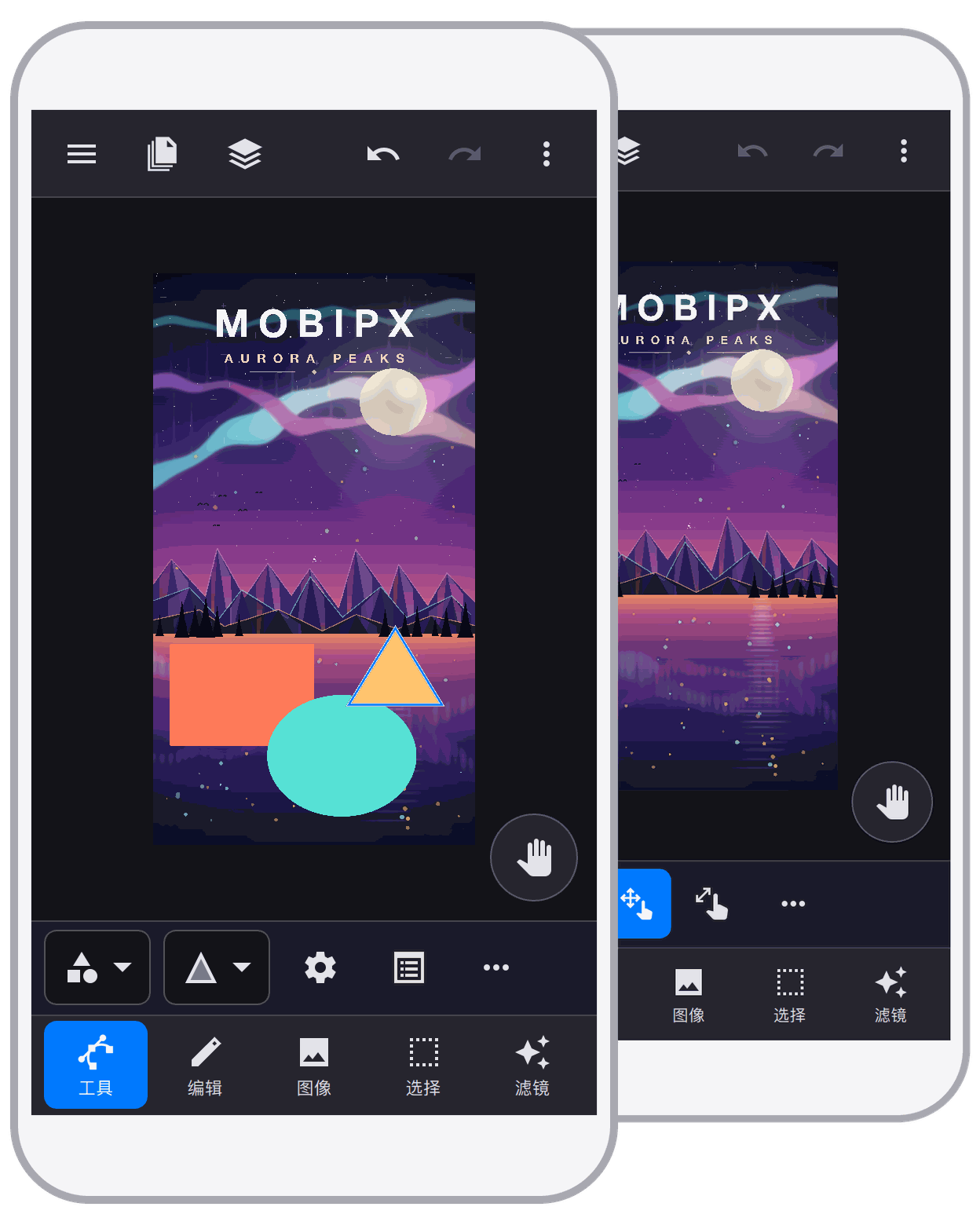
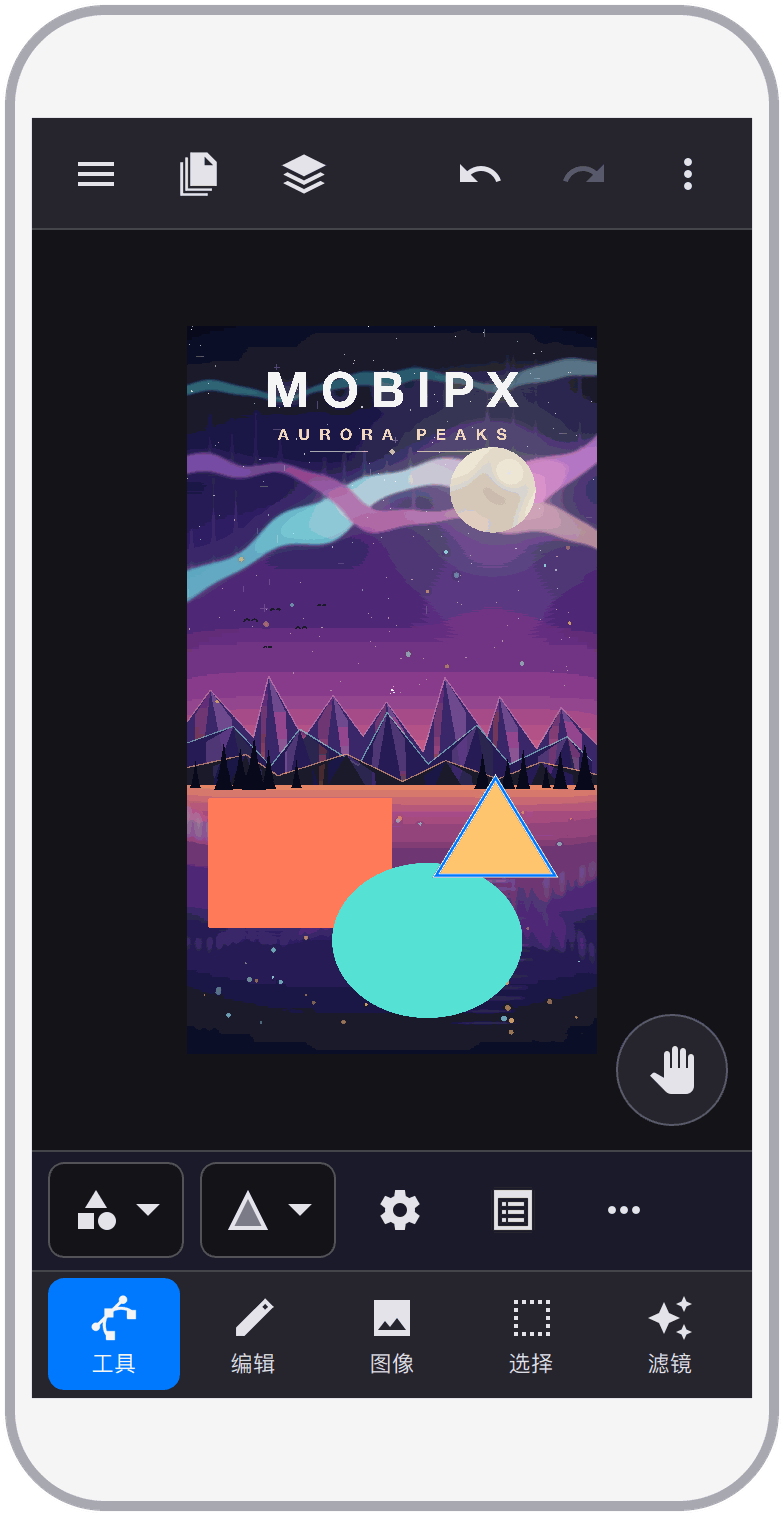
Provides powerful shape and pen tools, as well as a rich set of menu commands for creating and editing vector graphics, making it feasible to complete complex graphic editing tasks on a mobile device's touch screen.
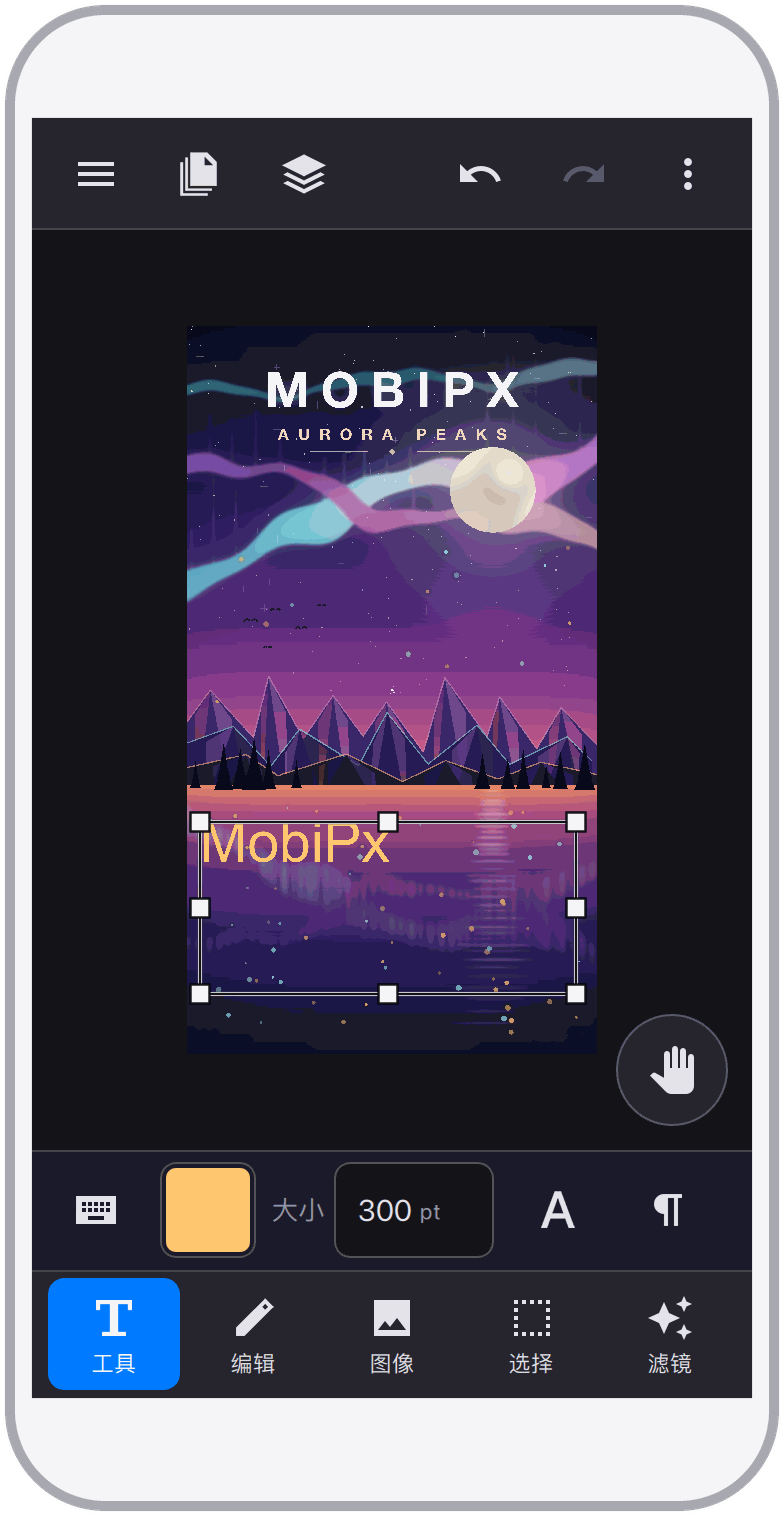
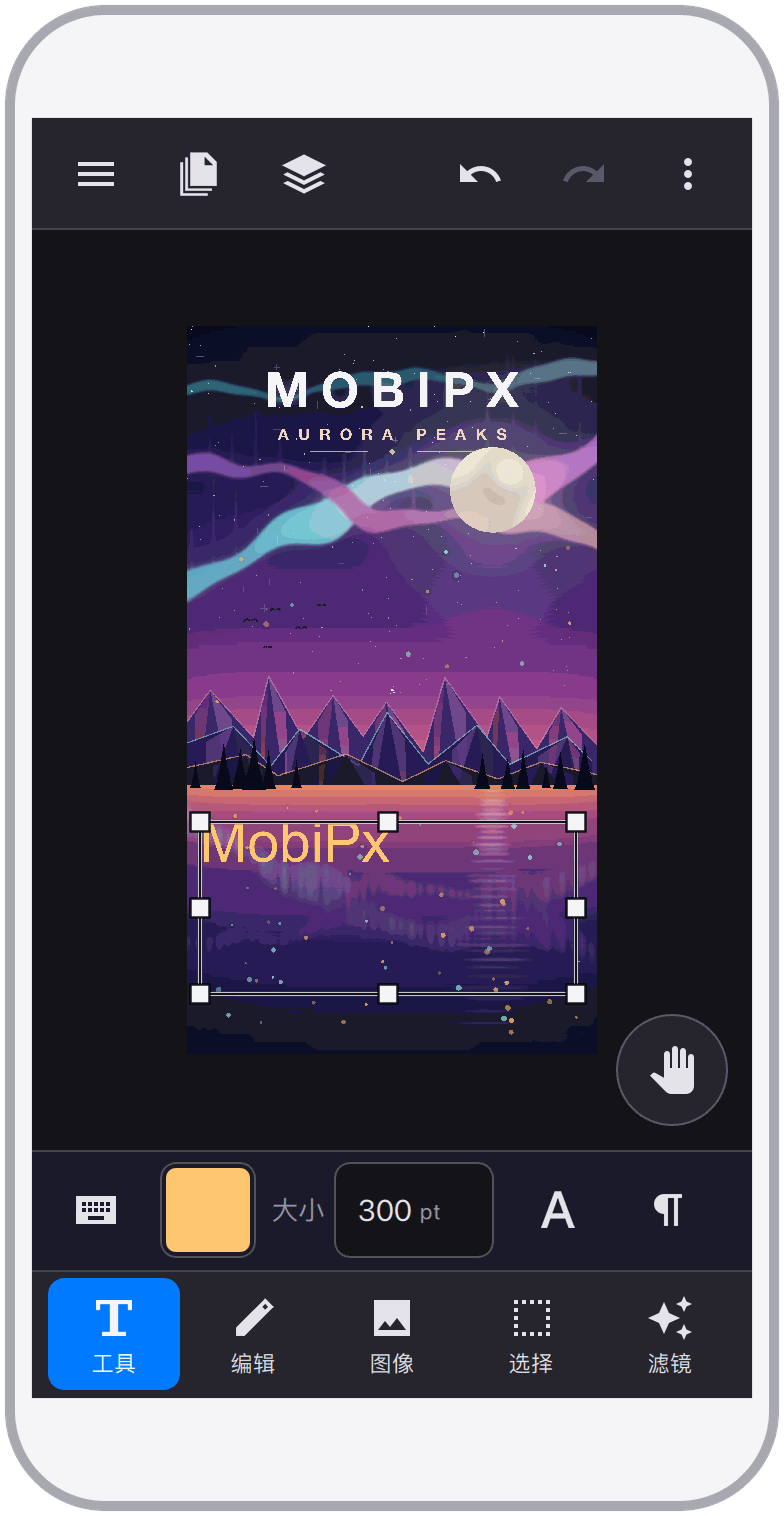
Supports text creation, allowing multiple styles and colors, including font, size, color, position, alignment, etc.
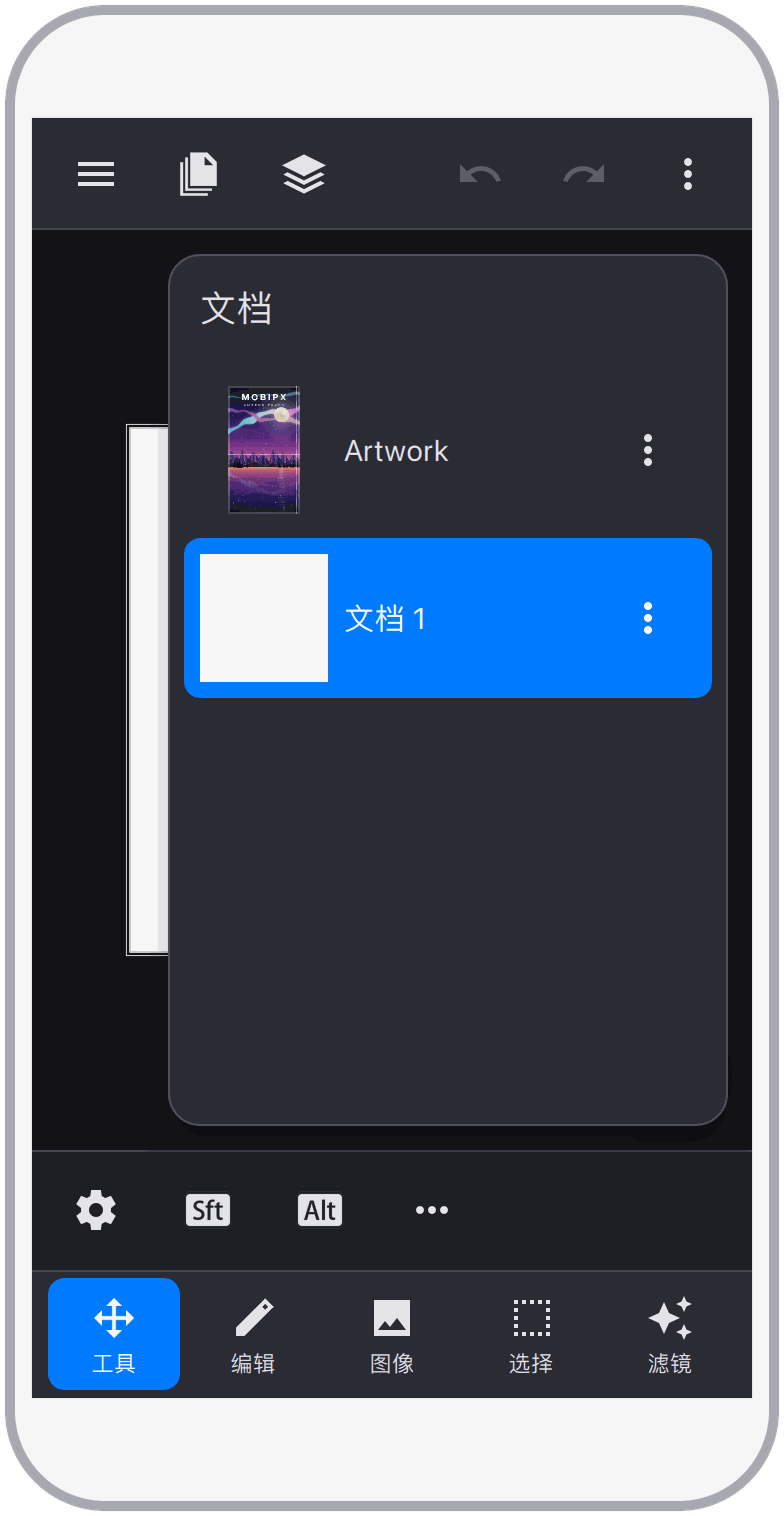
Create or open several documents side by side and move content between them with ease. The engine is built for large work — even very large documents open and edit smoothly.
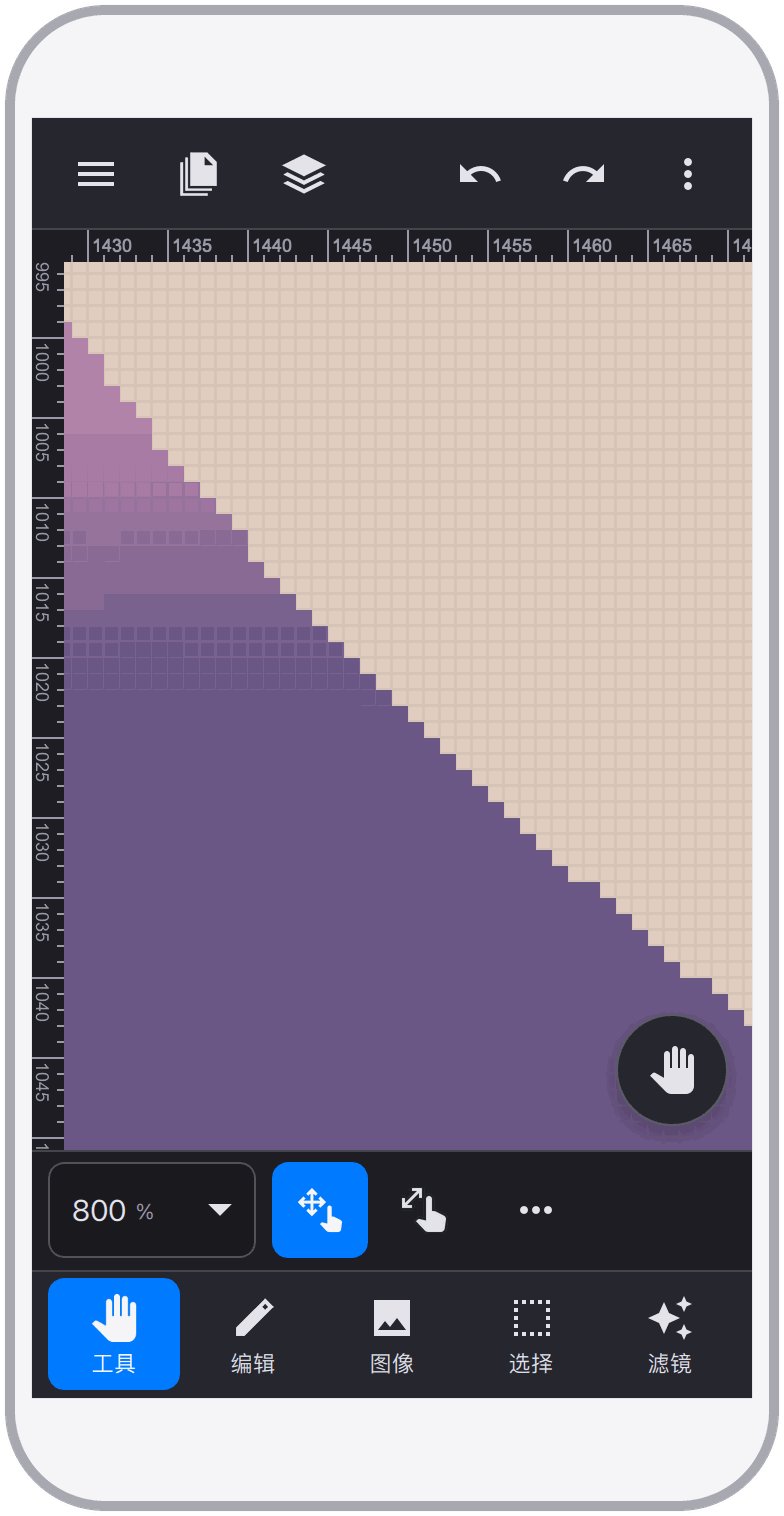
Supports pixel-level image editing, allowing precise control over every pixel. Tools such as rulers, grids, and magnifiers make precise operations easy. The user interface and operation logic are optimized for mobile devices.
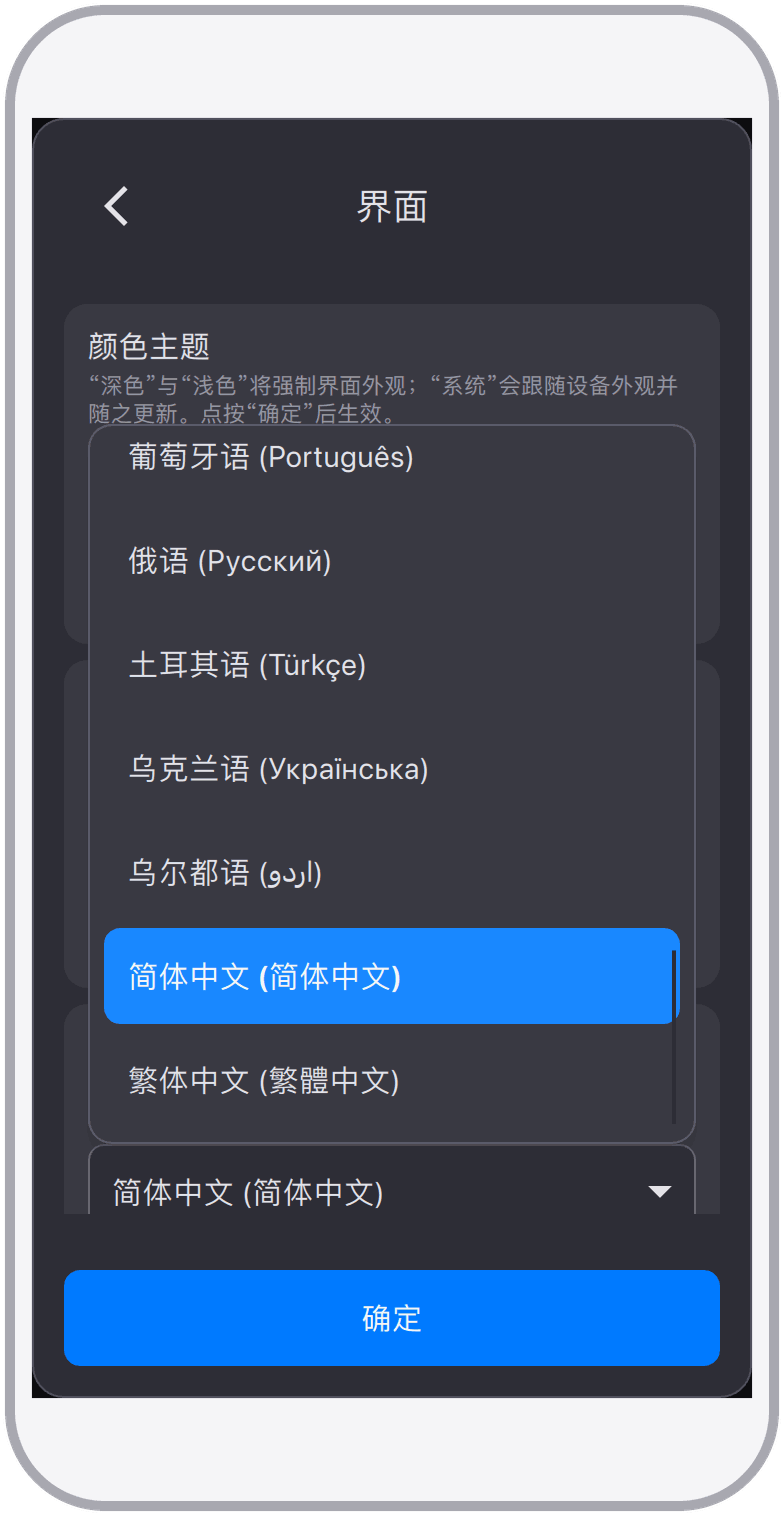
It offers multilingual support and currently supports the following 25 languages: Arabic, Bengali, Czech, Danish, German, English, Spanish, Finnish, French, Hebrew, Hindi, Hungarian, Indonesian, Italian, Japanese, Korean, Dutch, Polish, Portuguese, Russian, Turkish, Ukrainian, Urdu, Simplified Chinese, Traditional Chinese.
A major upgrade of the entire application, with a completely redesigned interface. The new engine adds layer groups, layer masks and vector masks, adjustment layers, fill layers, and non-destructive layer styles. PSD compatibility has been rebuilt for high-fidelity round trips, and huge documents open smoothly. The toolset grows to more than 30 tools, 20 color adjustments, and nearly 80 filters, joined by paths, channels, libraries for brushes, patterns, styles, and fonts, autosave, and countless usability and performance improvements. The application has been renamed from TinyPs to MobiPx.
Although this version does not significantly add new features, it has made substantial optimizations to the application, improved many details, enhanced user experience, increased usability and practicality, and fixed bugs.
This version focuses on enhancing the user experience and fixing bugs. Significant improvements and enhancements have been made to the common toolset.
This version focuses on enhancing the text tool, providing richer character and paragraph style adjustments. It adds font import and management features. Additionally, it introduces guide lines and improves smart alignment.
This version includes significant adjustments to the user interface, making it more streamlined and better suited for mobile screens. Initial support for masks has been added.
This version changes the application name from GicPic to TinyPs and replaces the icon. Some optimizations have been made.
This version focuses on fixing bugs and improving user experience. It adds the ability to create selections using color range, convert selections to channels, and trim pixel layers.
This version focuses on improving stability and user experience, fixing bugs. Added in-app support for 8 languages: Czech, Danish, Finnish, Hebrew, Hungarian, Dutch, Polish, Ukrainian. Additionally, completed multilingual localization for Google and Apple app stores.
This version focuses on in-app multilingual support, adding 17 languages: Arabic, Bengali, English, French, German, Hindi, Indonesian, Italian, Japanese, Korean, Portuguese, Russian, Simplified Chinese, Spanish, Traditional Chinese, Turkish, Urdu. Additionally, bug fixes and performance optimizations have been made.
This version focuses on adding support for PSD files, enabling basic PSD file import and export functions, supporting image, text, and shape layers. Advanced features such as layer grouping, masks, effects, and adjustments are not yet supported.
Initial release version, the initial form of the product, launched on Google and Apple app stores.
Please read these terms of service carefully before using the application ("MobiPx"). By using the application, you agree to be bound by these terms of service.
The application is a professional photo editor designed for experienced users. It aims to let you apply your existing photo editing skills on mobile devices in a familiar way. Core editing works entirely on your device; an internet connection is only used for optional features such as membership purchases and advertising.
You are fully responsible for the images you process using the application. You must ensure that you have the necessary rights and permissions to use and modify these images.
All editing features are available to every user. Some usage limits can be lifted by watching an advertisement or by purchasing a membership. Purchases are processed by the platform you buy through (Apple App Store, Google Play, or a supported payment provider on this website); prices are always shown before you confirm, and refunds follow the policy of that platform.
All intellectual property rights related to the application and its content, including copyrights and trademarks, belong to the owner or licensor of the application. You may not copy, distribute, or modify any part of the application without prior written permission.
The application is provided on an "as-is" basis, without any form of warranty or guarantee. The owner of the application does not guarantee the accuracy, reliability, or suitability of the application for any particular purpose.
Even if advised of the possibility of such damages, the owner of the application is not liable for any direct, indirect, incidental, consequential, or special damages arising from or related to the use of the application.
The owner of the application reserves the right to terminate or suspend your access to the application at any time, without prior notice or liability, for any reason.
These terms of service shall be governed by and construed in accordance with the laws of the jurisdiction in which the application is provided.
By using the application, you acknowledge that you have read, understood, and agreed to these terms of service. If you do not agree to any part of these terms of service, please stop using the application. Please note that these terms of service may change without prior notice. It is your responsibility to review these terms of service regularly for any updates or modifications. If you have any questions or concerns about these terms of service, please Contact Us
This privacy policy explains how we handle your information when you use the application ("MobiPx").
The application does not require an account, and image editing is performed locally on your device. We do not collect your photos or documents. The optional features described below involve only the minimum data needed to provide them.
Although the application does not collect any personal information, it may locally store data on your device. This data is limited to the images you process using the application and the settings you choose within the application. This data remains on your device, and we do not access or use this data in any way.
When you purchase a membership, the payment is handled by Apple, Google, or the payment provider — we never see your card or account credentials. We only receive and store what is needed to activate and verify your membership, such as an order identifier and its status.
The application may integrate third-party advertising platforms (such as Google AdMob), which may collect some of your relevant information. Please refer to their privacy policies.
This website counts visits and downloads in an anonymous, aggregated form to understand how the product is doing. IP addresses are processed only as salted digests that cannot be reversed, no advertising or cross-site tracking cookies are used, and no personal profile is created.
The application does not knowingly collect personally identifiable information from children under the age of 13. If you are a parent or guardian and you are aware that your child has provided us with personal information, please contact us to take necessary actions.
We may update our privacy policy from time to time without prior notice. We will notify you of any changes by posting the new privacy policy on this page. It is your responsibility to review this privacy policy regularly for any updates or modifications, and we recommend that you check this page periodically.
By using the application, you acknowledge that you have read, understood, and agreed to this privacy policy. If you do not agree to any part of this privacy policy, please stop using the application. If you have any questions or suggestions about our privacy policy, please Contact Us
If you encounter difficulties while using MobiPx, want to report a bug, or have better suggestions or opinions, please contact us via the following email address.